
Thank You Page Delivery Confirmation
Last Updated: Mar 13, 2026
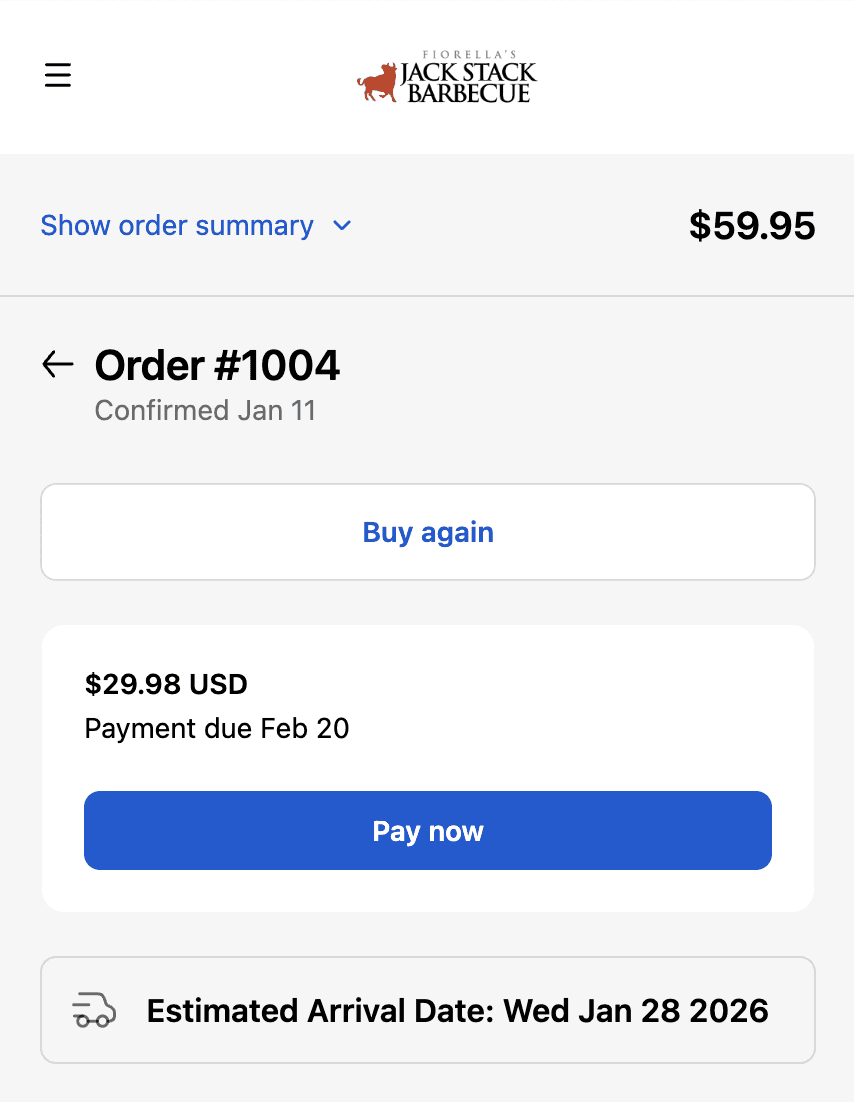
Thank you page showing delivery date displayed prominently after checkout completion.
The thank you page is the first post-purchase touchpoint a customer sees. It sets the tone for the entire delivery experience. Without a delivery date visible here, customers immediately wonder When is this coming - and that question either becomes a support ticket or fuels buyer anxiety. Showing the delivery date on the thank you page answers the most important post-purchase question before it's even asked. Customers leave the thank you page informed, not uncertain - reducing immediate support contact and starting the post-purchase experience on the right note.
How Flare Solves It.
Display delivery date immediately after checkout
Delivery date appears on Shopify's order confirmation page automatically the moment checkout is complete. Customers see when their order arrives before they leave the page - no follow-up required.
Display Expected delivery January 15 or Ships January 12 - Arrives January 15 for complete timeline transparency. Customers understand both when their order leaves and when it arrives.
Works alongside post-purchase upsell apps
Flare's delivery date display works alongside post-purchase upsell and cross-sell apps. Customers see delivery date and upsell offers together - transparency on timing alongside the opportunity to add more to their order.
Prevent immediate post-purchase support contact
Customers don't email or call asking When does this ship immediately after purchase. The delivery date is visible before they leave the thank you page - the most common post-purchase question answered automatically.
Showing delivery date on the thank you page signals that your operations are organised and reliable. Customers feel confident the order is being handled - reducing buyer anxiety before it has a chance to develop.
Improve the post-purchase experience
Thank you page becomes genuinely informative rather than just transactional. Customers leave with full order and delivery clarity - a better experience that builds the foundation for repeat purchases.
See Real Examples.
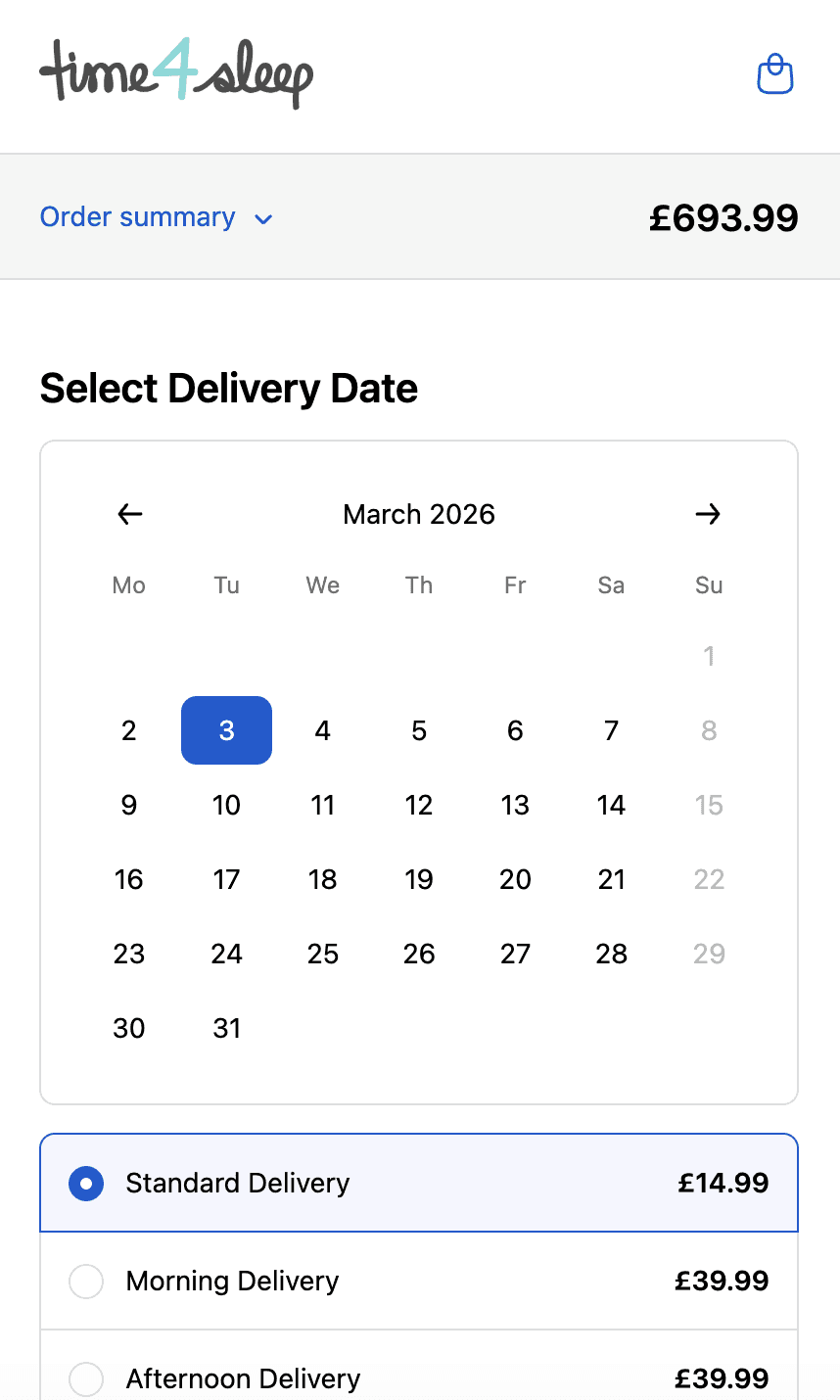
Time4sleep
Cut-off times, postcode rules, product lead times and shipping rates by date.
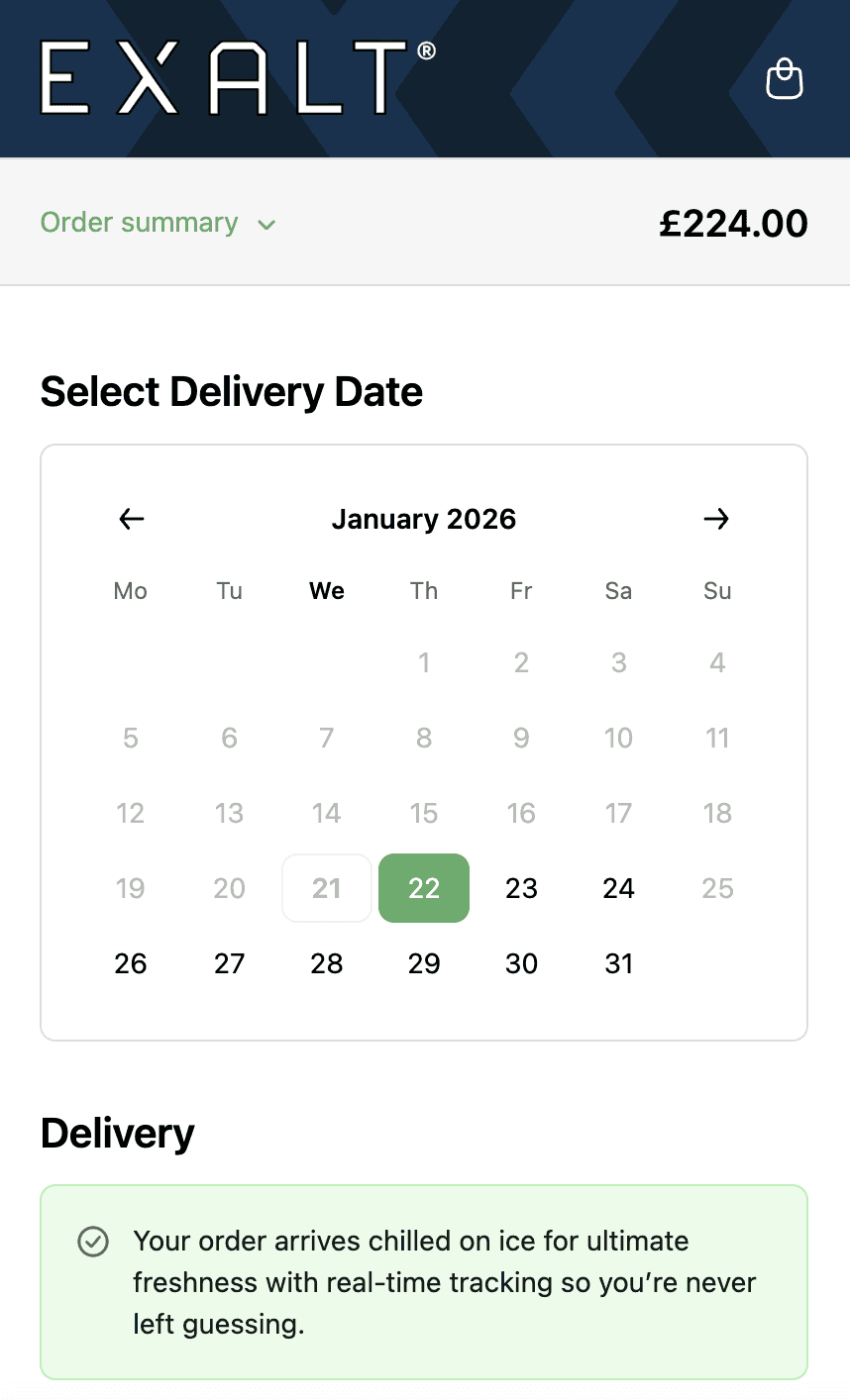
EXALT.
Cut-off times, subscription recurring order logic and Express Payment option compatibility.
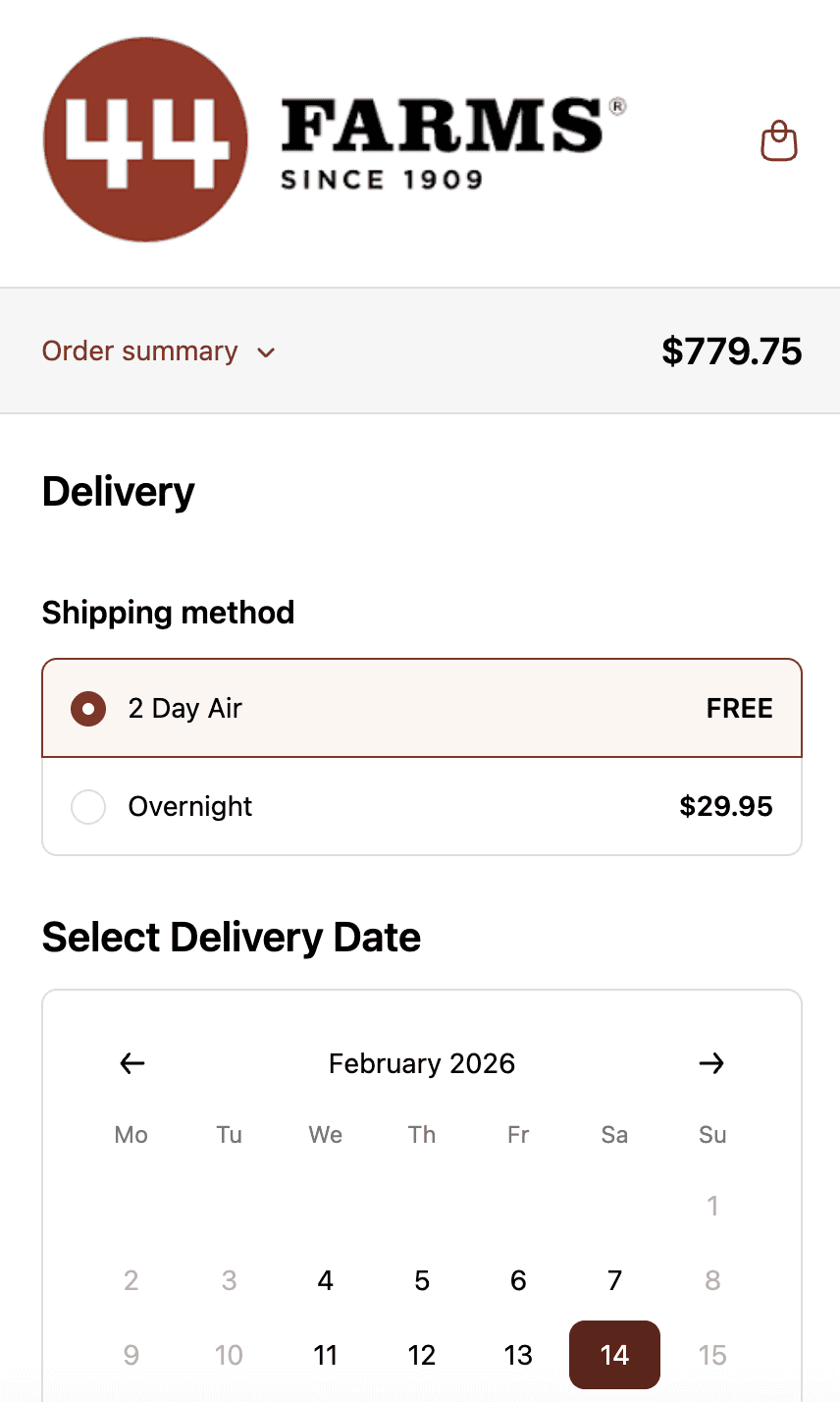
44 Farms.
Shipping methods and transit days by zip code, available dates by shipping method and shipping rates.
Who This is For.
Used by 700+ Shopify brands across categories like:



How to Setup.
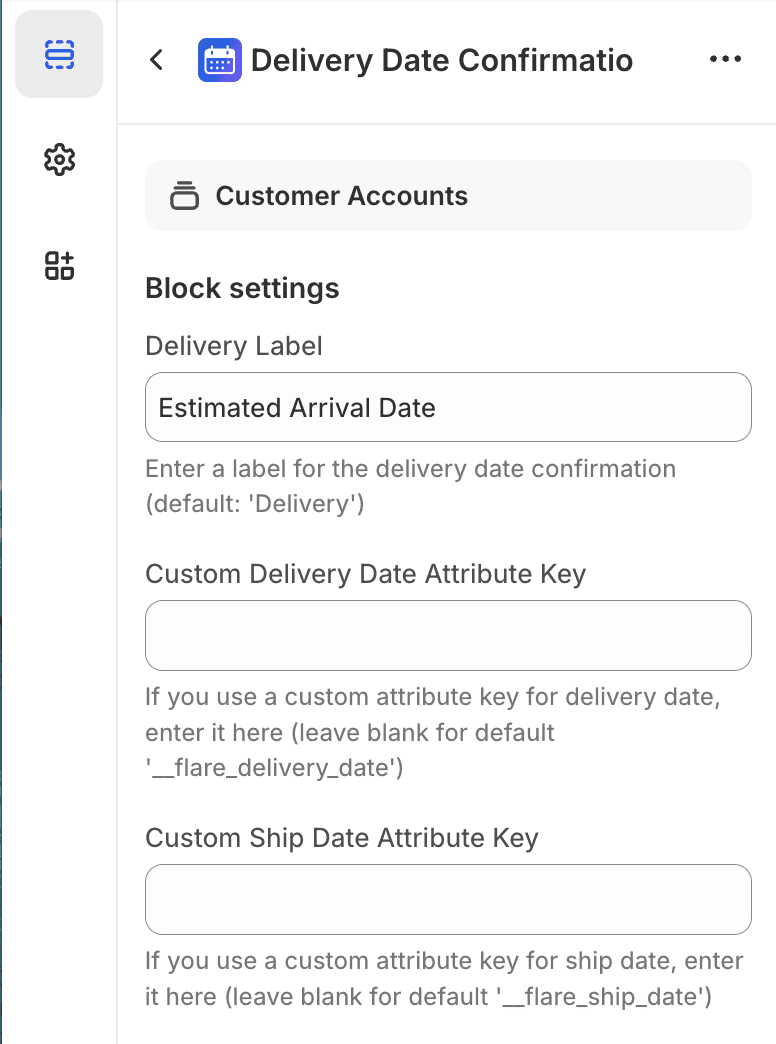
Thank you page template showing delivery date being added to post-purchase confirmation.
See Related Features
How is this different from Shopify's native thank you page?
Can I customise how the delivery date appears?
Does this work with custom thank you pages?
What if the order has multiple items with different lead times?