
Automatic Ship Date Calculation
Last Updated: Mar 13, 2026
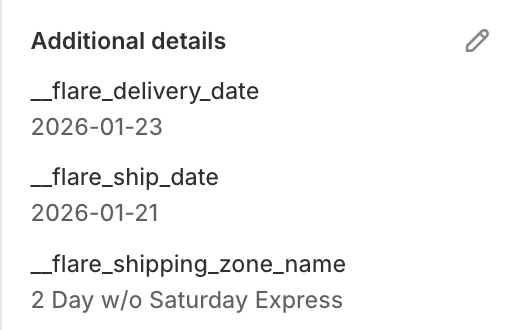
Order showing both delivery date (customer selected) and calculated ship date (when warehouse must ship).
A customer selects January 15 as their delivery date. Your warehouse needs to know when this order must ship. With a 3-day transit time, the ship date is January 12. Without automatic calculation, warehouse staff count backwards from the delivery date for every order - a manual, error-prone process that slows fulfillment and risks late dispatch. Flare calculates the ship date automatically based on the delivery date, the customer's shipping zone and the transit time for the selected shipping method. The warehouse sees both dates on every order without any manual working out.
How Flare Solves It.
Calculate ship date from delivery date automatically
When a customer selects a delivery date at checkout, Flare calculates the corresponding ship date based on the transit time for their location and shipping method. Both dates appear on the order instantly - no manual calculation needed at any point.
Transit times vary by customer location and how they're shipping. Local delivery is 1 day. Standard to a regional address is 3 days. Remote zones are 5 days. Flare uses the transit time for each specific zone and method to calculate the correct ship date per order.
Display both dates to warehouse and customers
Orders show Delivers January 15 - Must ship by January 12 so warehouse teams see the critical dispatch deadline alongside the customer-facing delivery date. Both dates are visible in the shipping calendar, order admin and fulfillment exports.
No manual ship date calculation for any order
Ship date is calculated automatically for every order the moment it is placed. Warehouse teams never count backwards from a delivery date or work out transit times manually - the correct ship date is already on the order.
Orders ship on the exact date needed to arrive on the promised delivery date. Not days early where the order sits at a carrier facility. Not too late where delivery is missed. Optimal timing for every order automatically.
Prevent late deliveries caused by late dispatch
Warehouse teams see the ship date deadline clearly. Orders dispatched on or before that date arrive on time. No guesswork, no missed dispatch windows, no late deliveries caused by incorrect manual calculation.
See Real Examples.
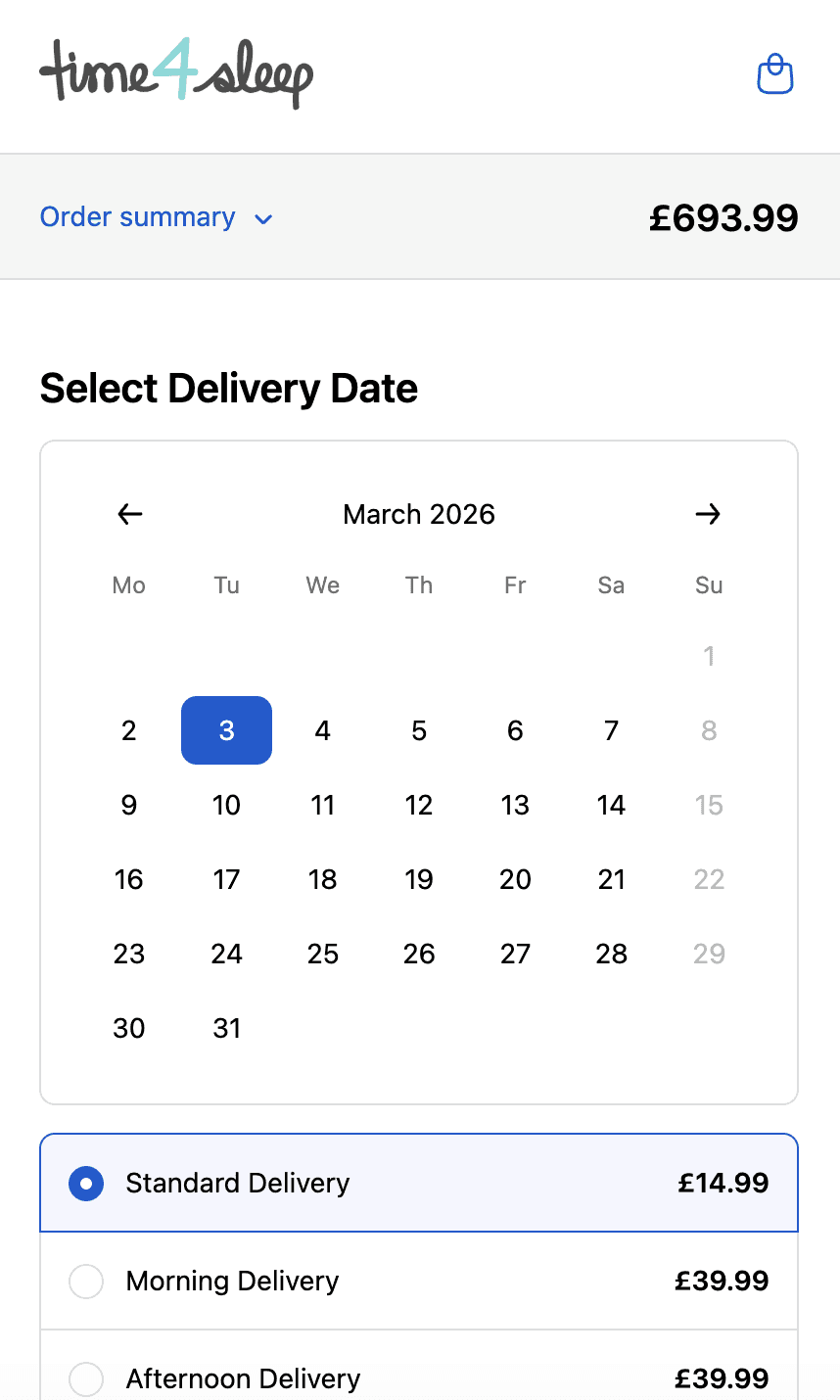
Time4sleep
Cut-off times, postcode rules, product lead times and shipping rates by date.
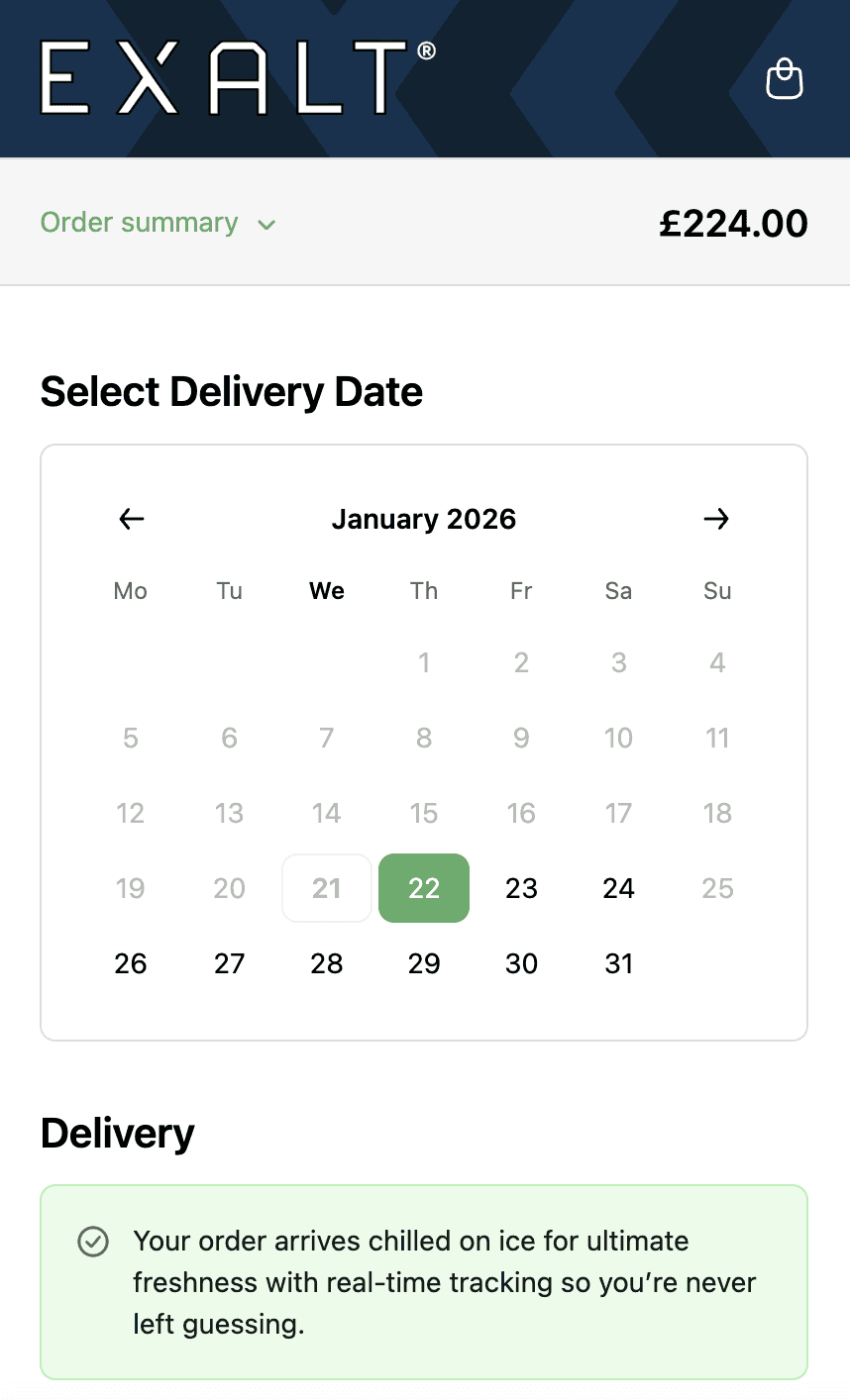
EXALT.
Cut-off times, subscription recurring order logic and Express Payment option compatibility.
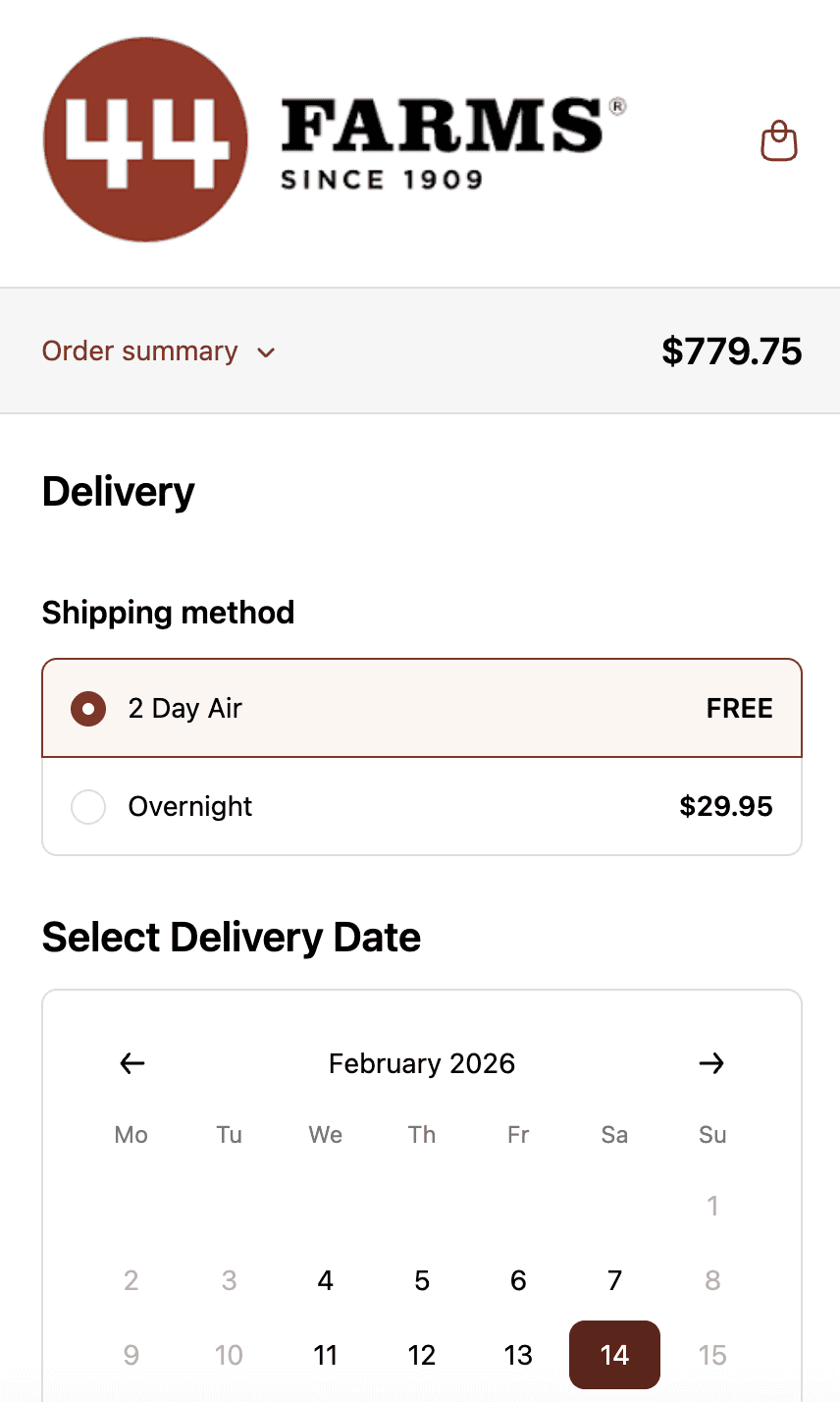
44 Farms.
Shipping methods and transit days by zip code, available dates by shipping method and shipping rates.
Who This is For.
Used by 700+ Shopify brands across categories like:



How to Setup.
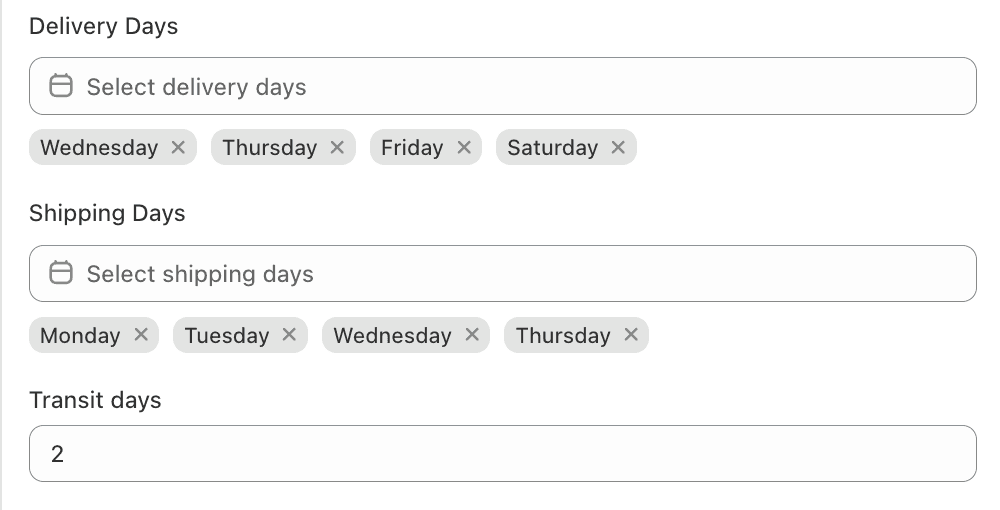
Ship date calculation rules showing transit times by shipping method and customer zone.
See Related Features
How is this different from Shopify's native shipping?
How does Flare know transit times for each order?
Do ship date calculations account for weekends and bank holidays?
Can I see ship dates in the shipping calendar?