
POS Delivery Dates for In-Store Orders
Last Updated: Mar 13, 2026
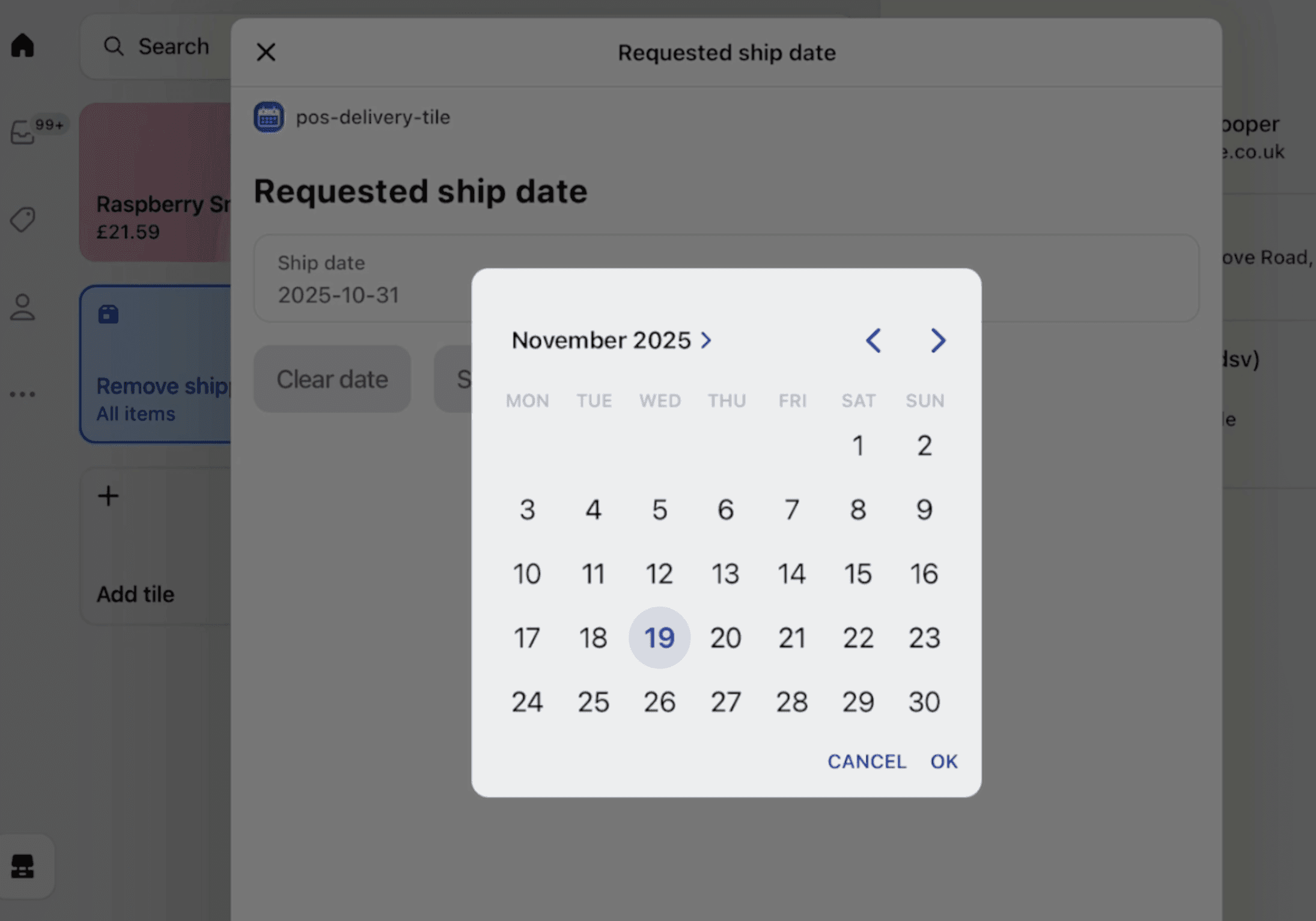
Staff using Shopify POS with delivery date picker shown on iPad checkout screen.
Farmers markets, pop-up shops and brick-and-mortar stores take orders for future delivery. Without delivery date selection in POS, staff manually write dates in order notes - error-prone, time-consuming and invisible to fulfillment systems. Shopify's native POS doesn't support delivery date selection. Flare adds the same date picker and delivery rule logic to POS that your online store uses - so in-person orders follow the same blackout dates, lead times and capacity limits as online orders, and feed into the same fulfillment calendar.
How Flare Solves It.
Enable date selection in POS checkout
Staff select a delivery date during the POS checkout flow using the same date picker as your online store. All delivery rules apply automatically - no separate process or manual date calculation.
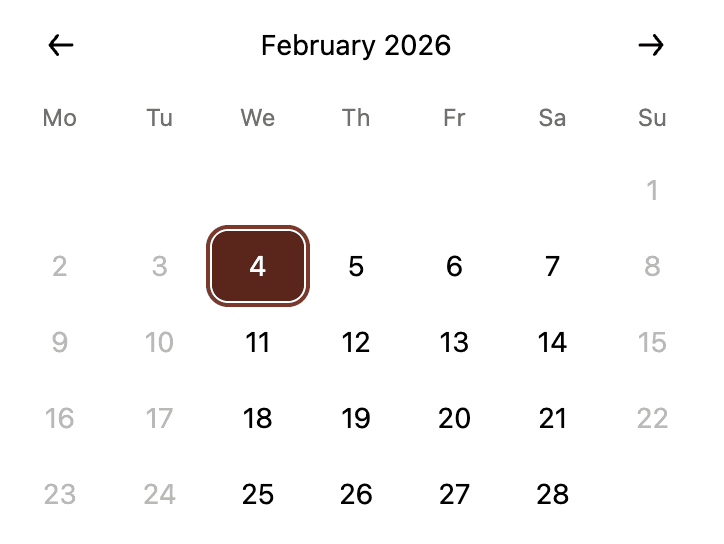
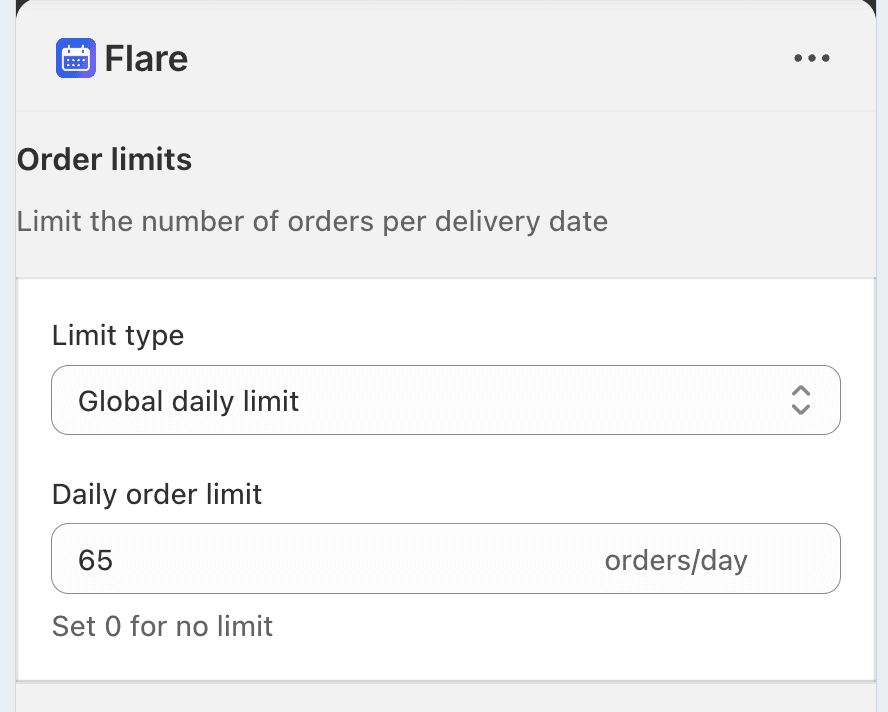
Blackout dates, product lead times, capacity limits and cut-off times apply to POS orders automatically. In-person customers are only offered dates your operations can actually fulfill.
Sync to fulfillment systems alongside online orders
Delivery dates from POS orders save to order metafields and tags, feeding into Flare's shipping calendar and fulfillment systems alongside online orders. One unified view of everything that needs to ship.
Unified fulfillment across all channels
In-store, market and online orders all appear in the same Flare shipping calendar with delivery dates attached. No separate tracking for in-person orders - one workflow for your entire operation.
Staff select dates through the picker instead of writing them in order notes. Consistent format, accurate rules applied and delivery dates visible in fulfillment systems immediately.
Consistent delivery promises across every channel
Customers buying in-store are offered the same available delivery dates as customers buying online. No discrepancies between channels and no in-person orders bypassing your delivery rules.
See Real Examples.
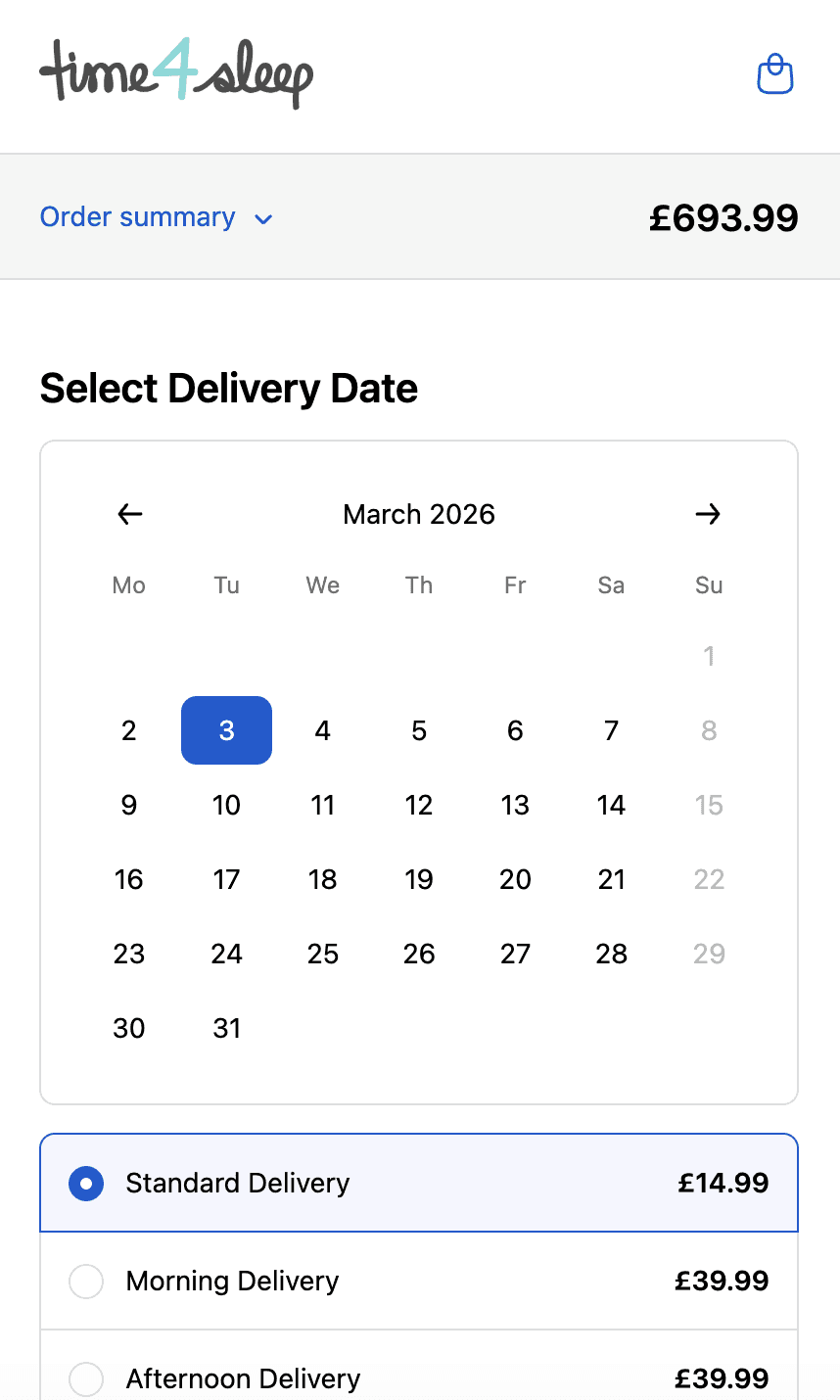
Time4sleep
Cut-off times, postcode rules, product lead times and shipping rates by date.
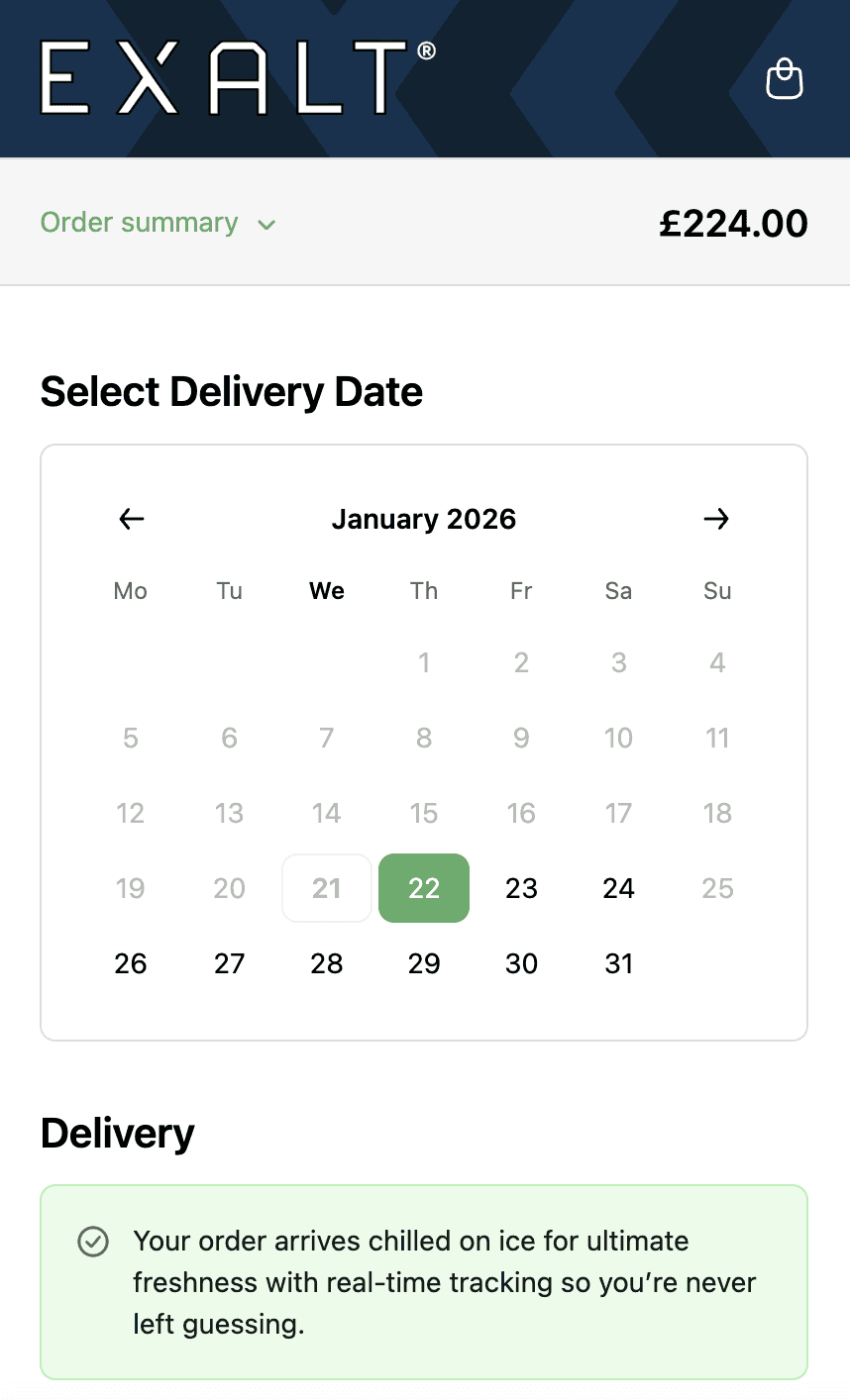
EXALT.
Cut-off times, subscription recurring order logic and Express Payment option compatibility.
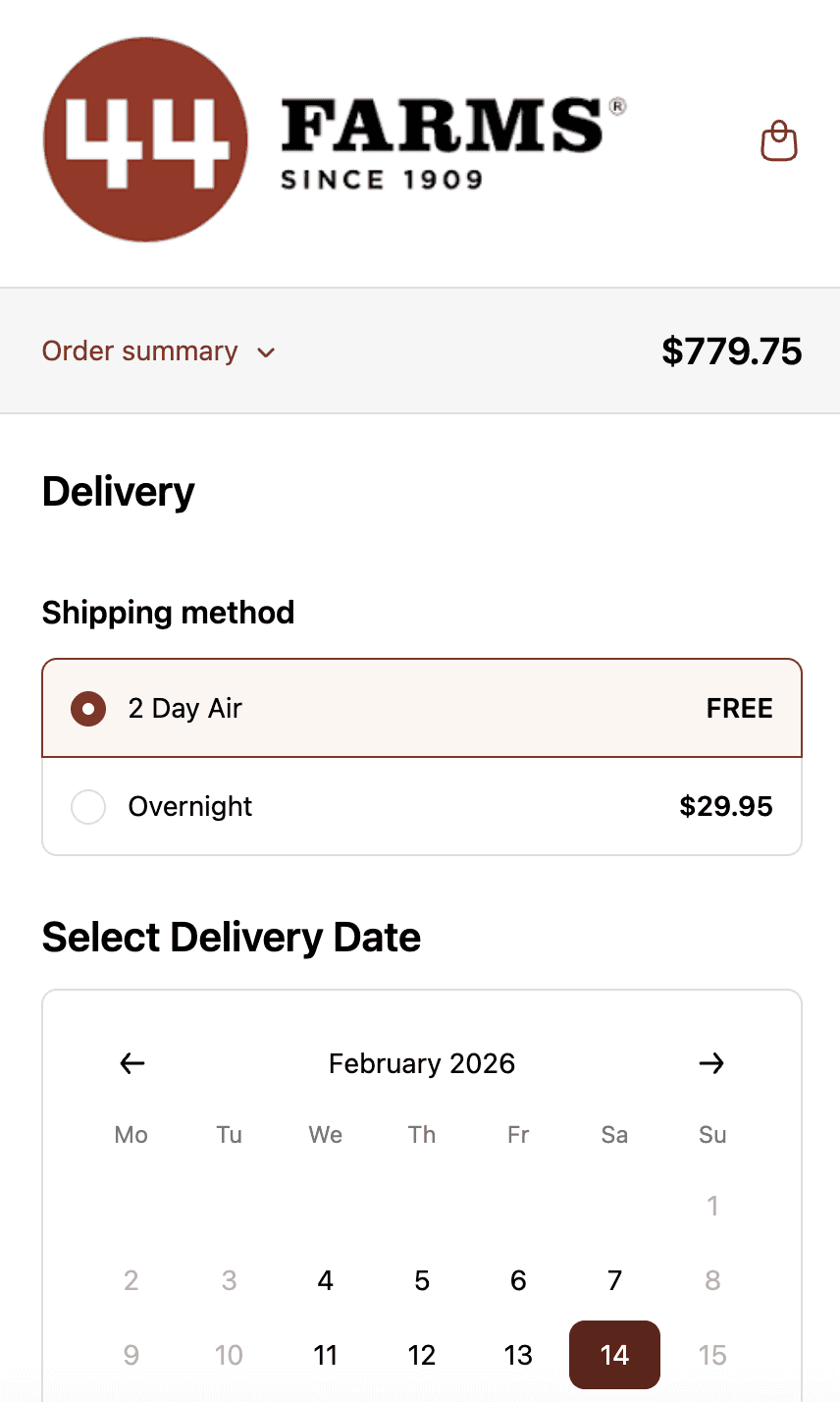
44 Farms.
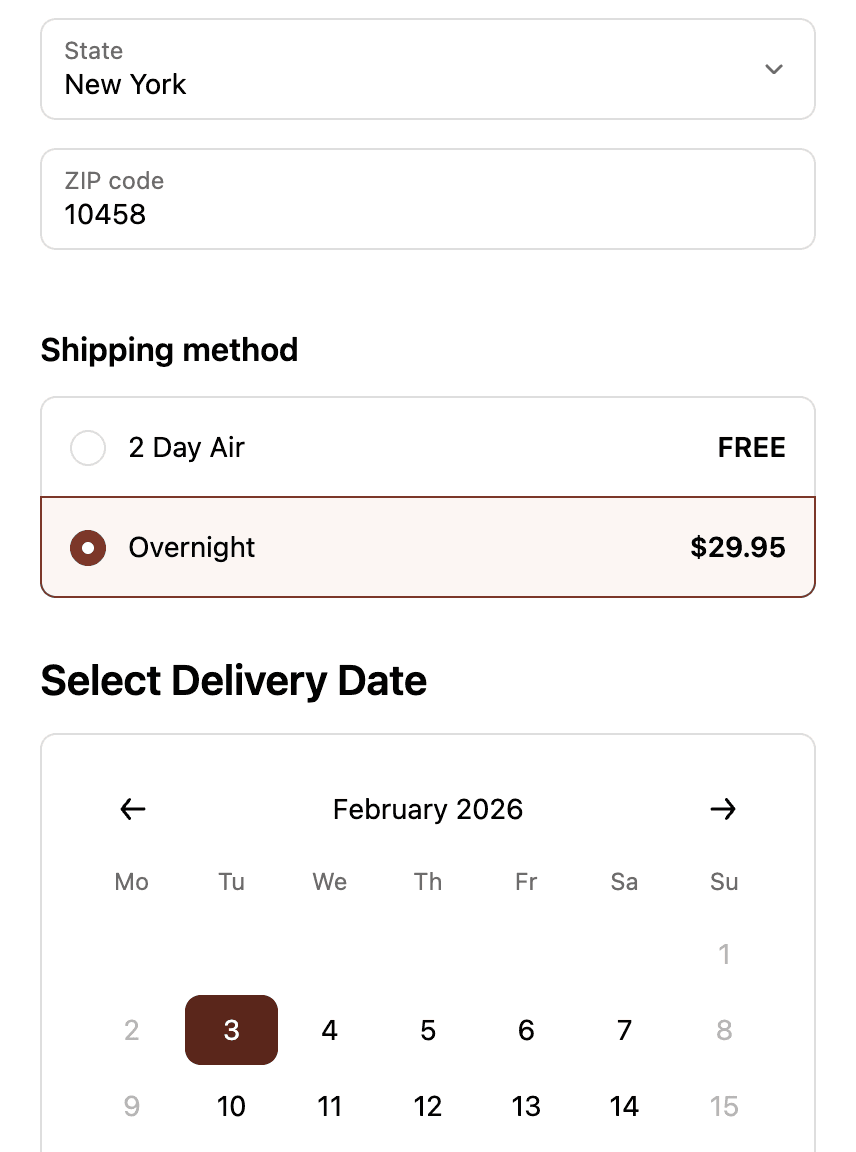
Shipping methods and transit days by zip code, available dates by shipping method and shipping rates.
Who This is For.
Used by 700+ Shopify brands across categories like:



How to Setup.
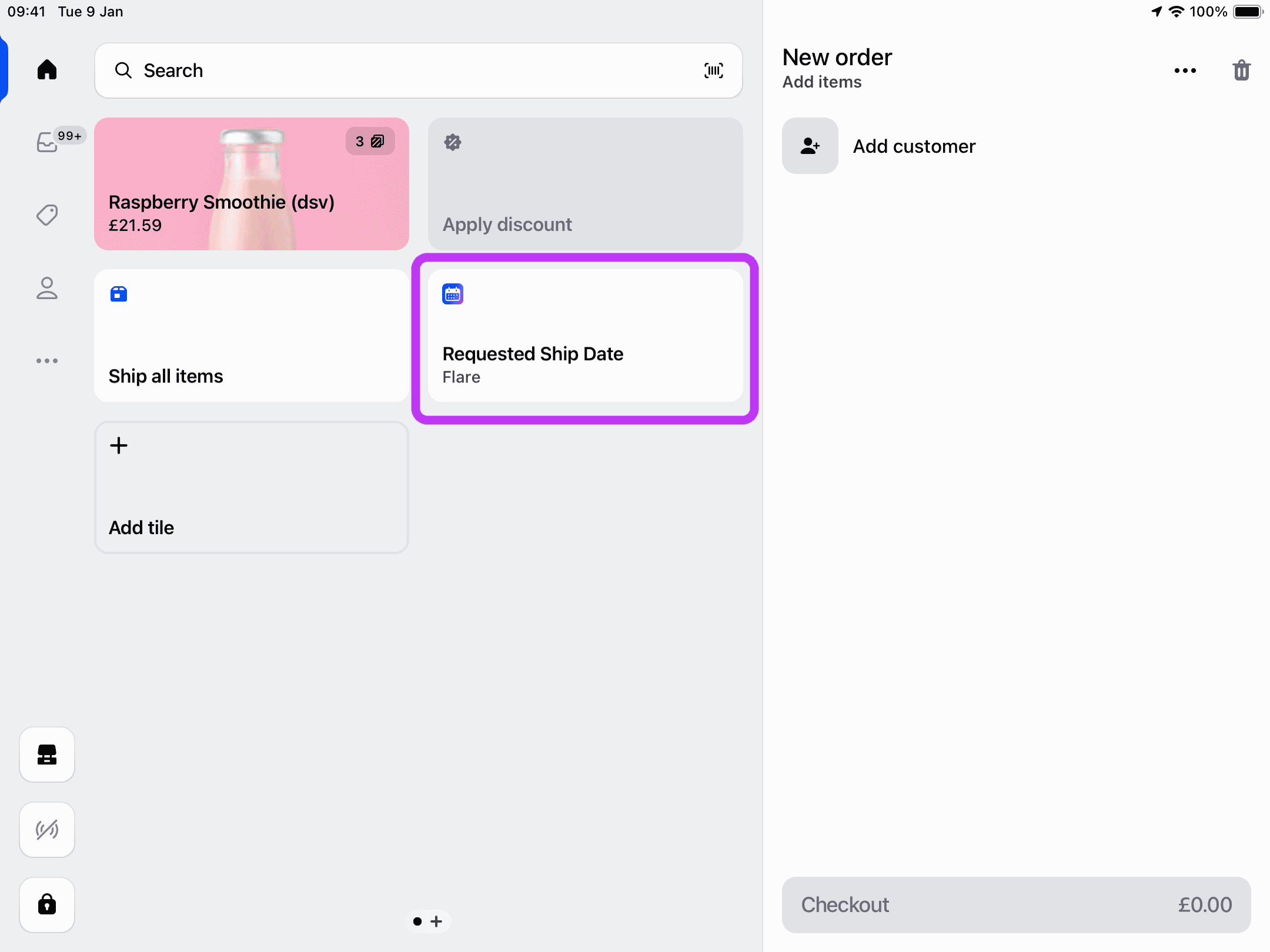
POS device showing delivery date selection interface during in-store order processing.
See Related Features
How is this different from Shopify's native POS?
Do POS orders appear in the Flare shipping calendar?
Can staff override dates for special requests?
Can I enable POS date selection for some store locations but not others?