
Order Status Page Delivery Date Visibility
Last Updated: Mar 13, 2026
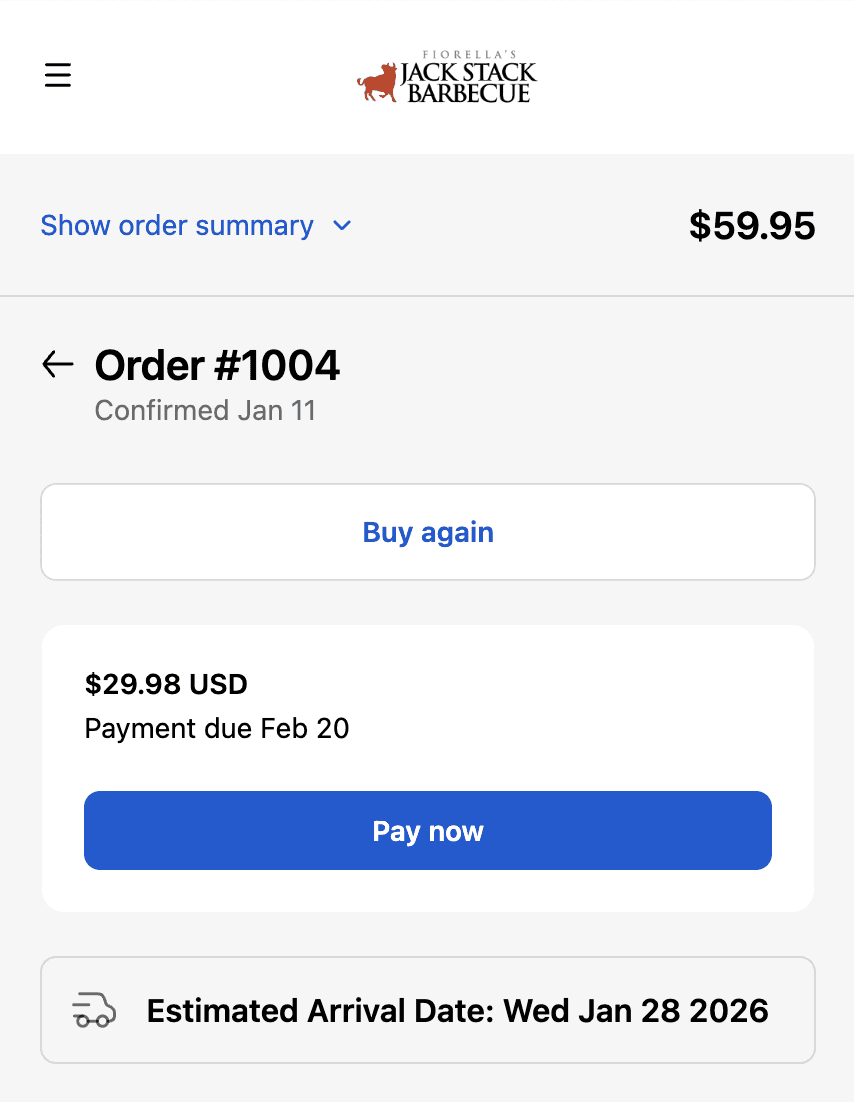
Order status page showing delivery date displayed throughout order tracking lifecycle.
After placing an order, customers check the order status page looking for one thing - when will this arrive. Without a delivery date visible, the page answers every question except the one they actually have. They email or call support instead. Order status page is built for self-service - if it shows the delivery date, customers answer their own most common question. This reduces support ticket volume while improving the customer experience through transparency at every stage of the order journey.
How Flare Solves It.
Display delivery date on the order status page
Delivery date appears automatically on Shopify's order status page from the moment the order is placed. Visible when customers click the tracking link in their confirmation email - the exact moment they're looking for delivery information.
Expected delivery January 15 remains visible from order placement through dispatch and shipment. Customers checking at any point in the order journey see their delivery date without needing to contact support.
Update automatically if delivery date changes
If a delivery date changes due to a delay or admin update, the order status page reflects the new date automatically. Proactive transparency on changes before customers notice a discrepancy.
Give customers a single source of truth
One page answers the most important post-purchase question. Customers check the order status page and leave with their answer - no support contact needed, no follow-up emails to your team.
Delivery date visible on the tracking page means customers self-service the most common post-purchase inquiry. Your support team handles fewer repetitive date questions.
Build trust through proactive transparency
Showing expected delivery date proactively throughout the order journey signals that your operations are organised and reliable. Customers trust brands that keep them informed without being asked.
See Real Examples.
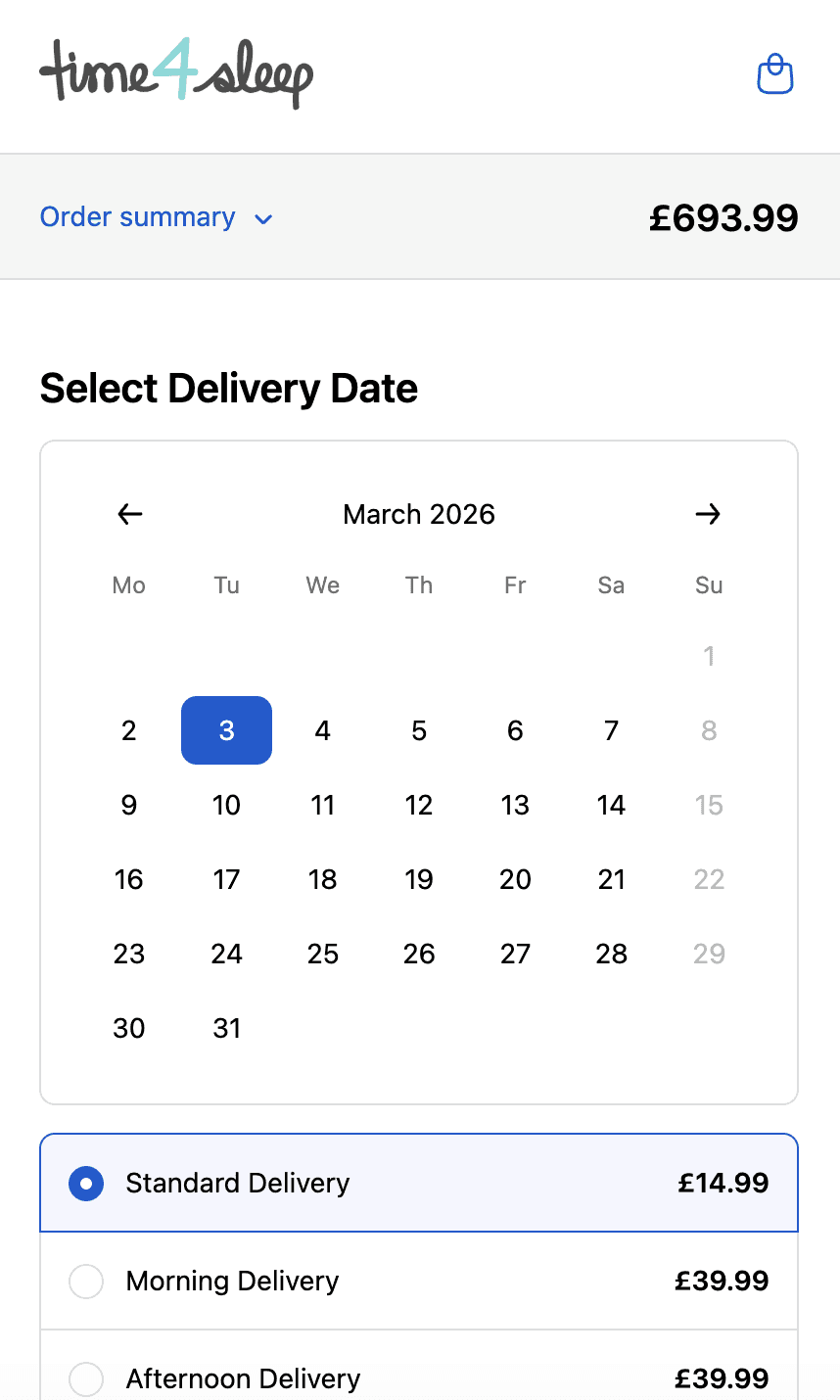
Time4sleep
Cut-off times, postcode rules, product lead times and shipping rates by date.
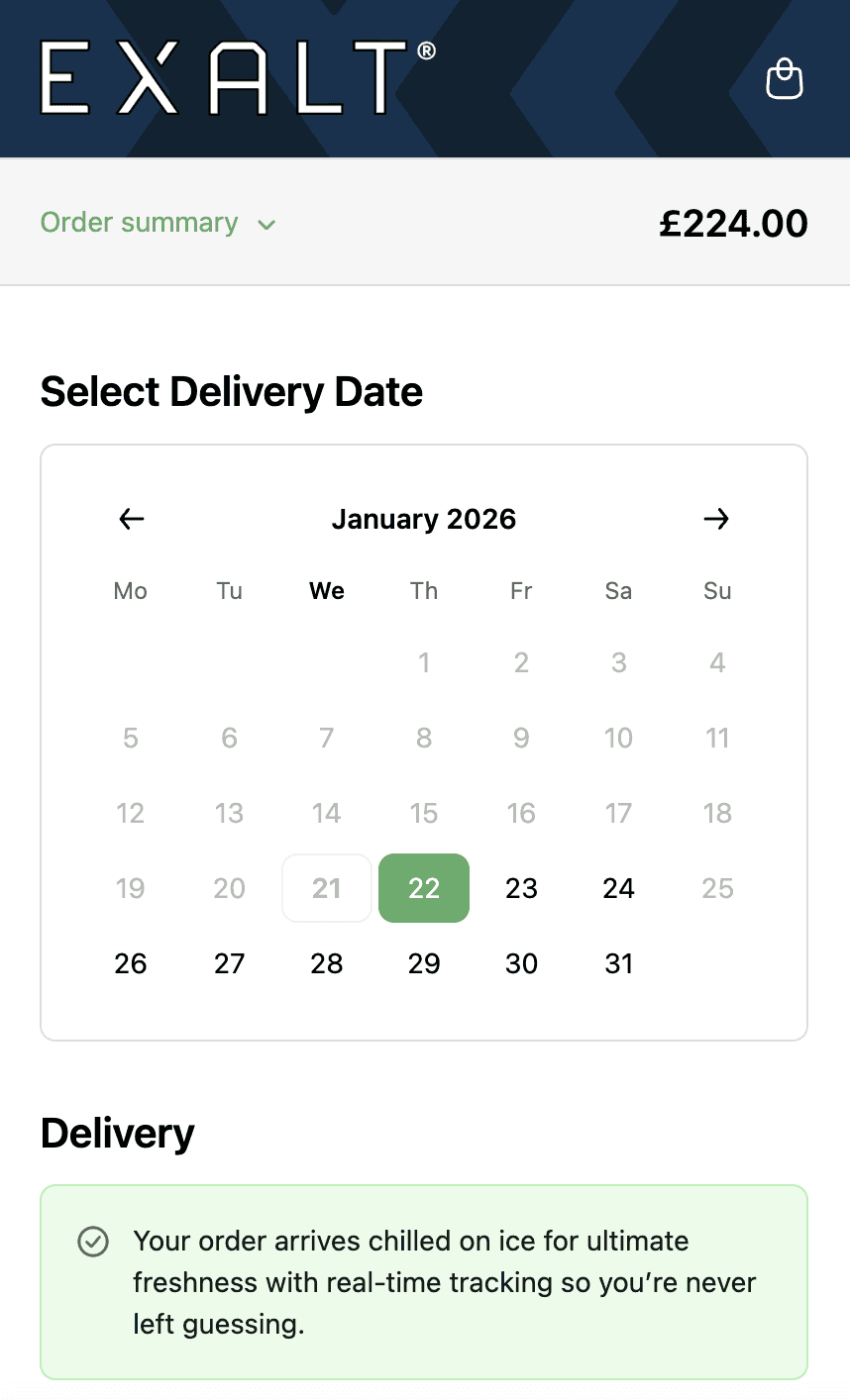
EXALT.
Cut-off times, subscription recurring order logic and Express Payment option compatibility.
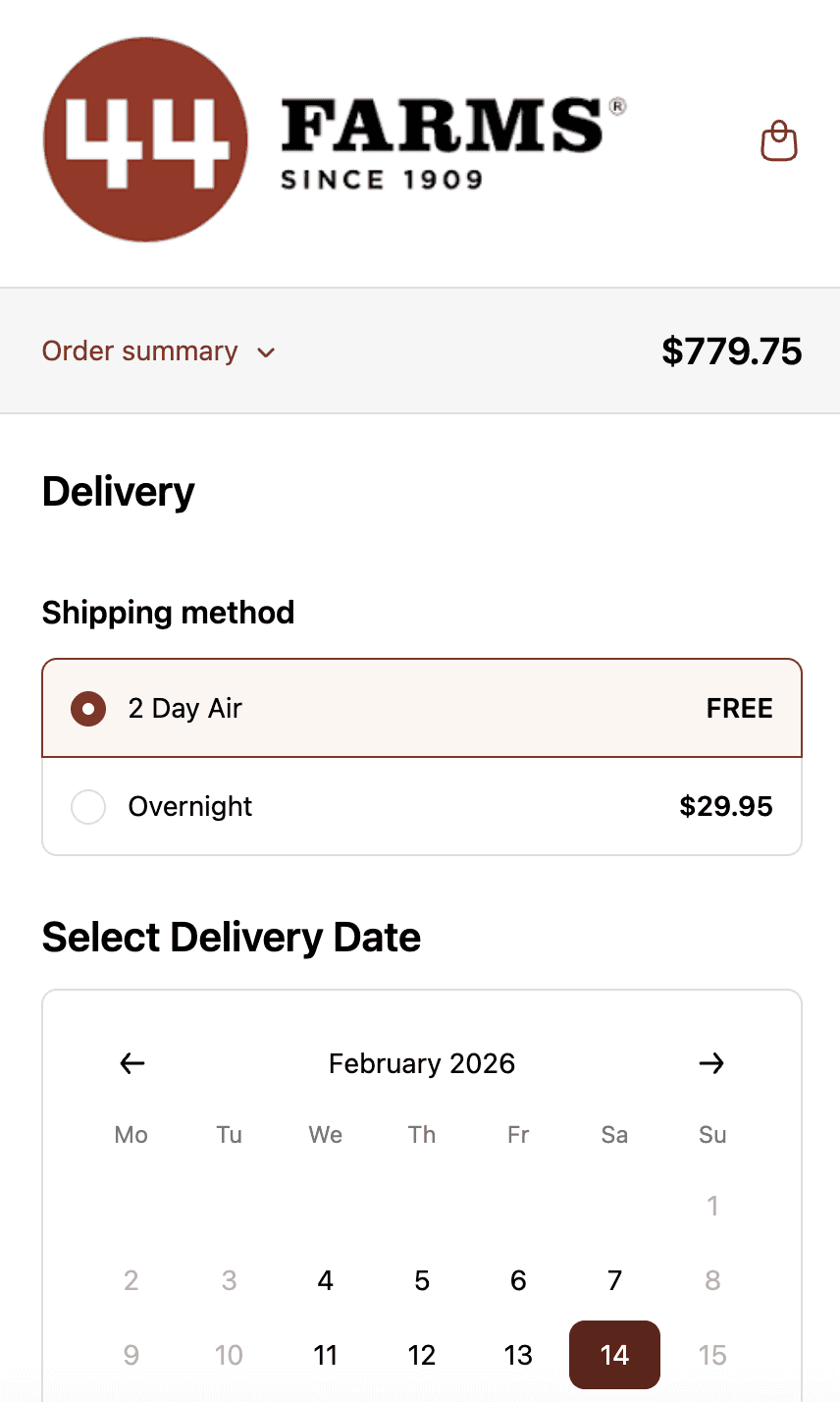
44 Farms.
Shipping methods and transit days by zip code, available dates by shipping method and shipping rates.
Who This is For.
Used by 700+ Shopify brands across categories like:



How to Setup.
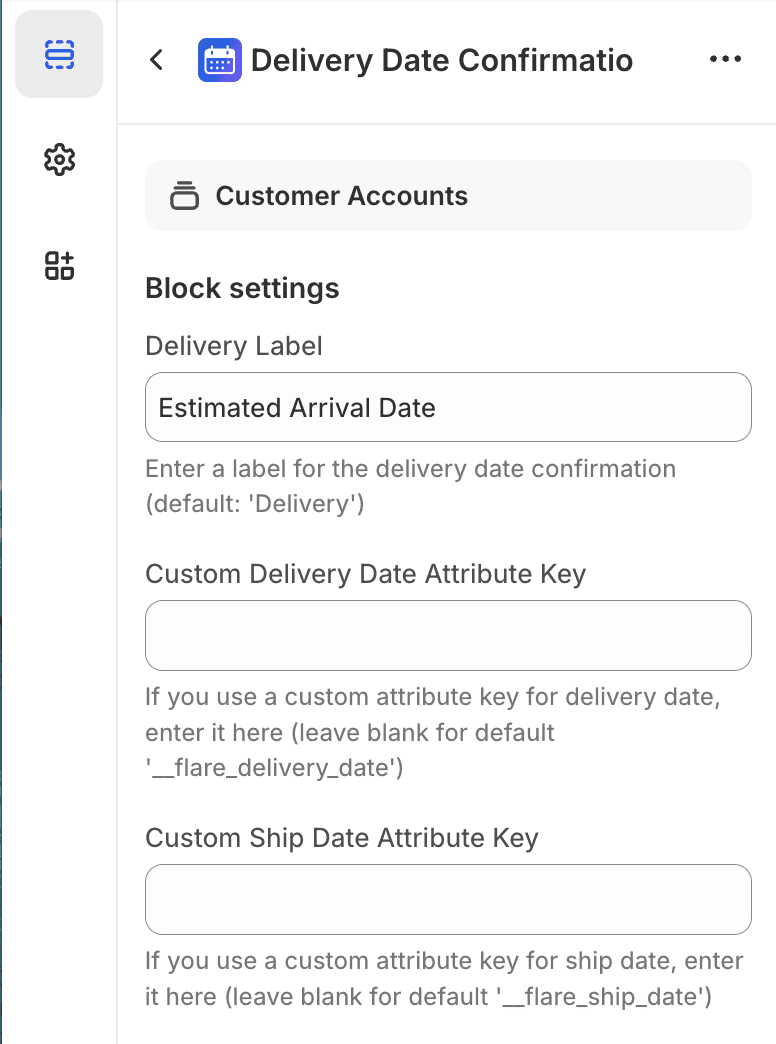
Order status page template showing delivery date tracking integration.
See Related Features
How is this different from Shopify's native order status page?
Does the delivery date stay visible after the order ships?
What if the carrier's tracking shows a different date than Flare?
Can customers see if their delivery has been delayed?