
Admin Order Date Controls
Last Updated: Mar 13, 2026
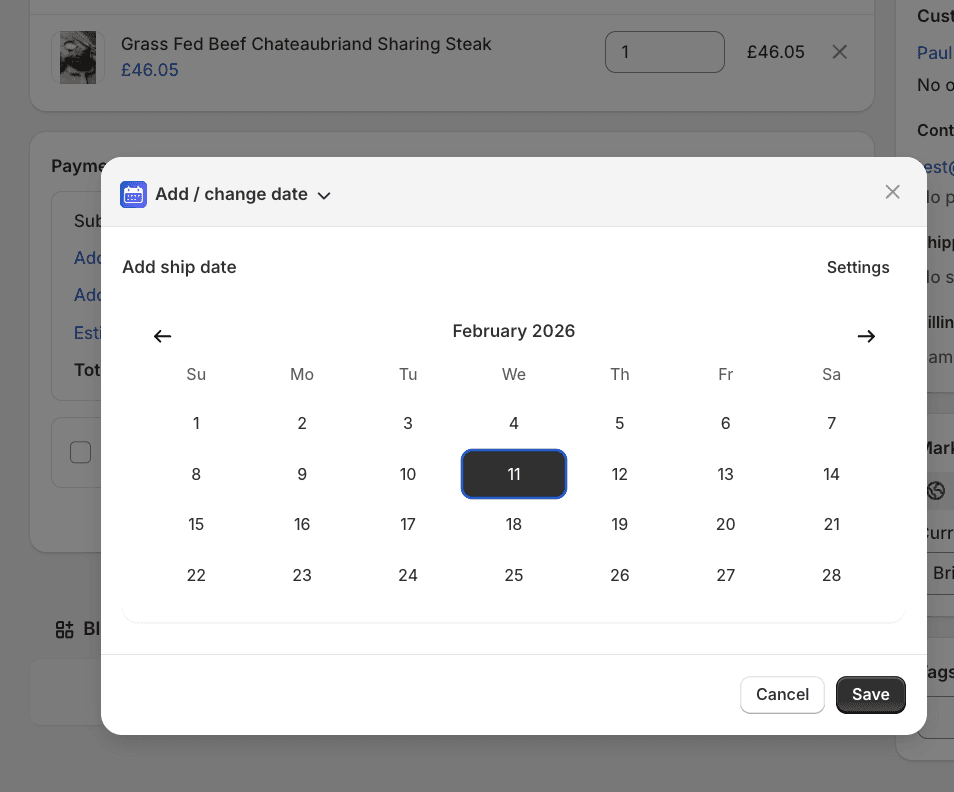
Shopify order page showing Edit delivery date button and admin date picker interface.
A customer calls to place an order. A phone order comes in through another channel. An existing order needs a delivery date changed. Without admin date management, staff manually type tags in the correct format, update order notes and hope the shipping calendar picks up the change. Flare makes this a single action. Staff add or edit a delivery date on any order with one click, using the same date picker and delivery rule logic as checkout. Dates are calculated accurately based on the order's shipping zone, method and transit time - and tags, metafields, order attributes and the shipping calendar all update automatically.
How Flare Solves It.
Add or edit delivery dates with one click
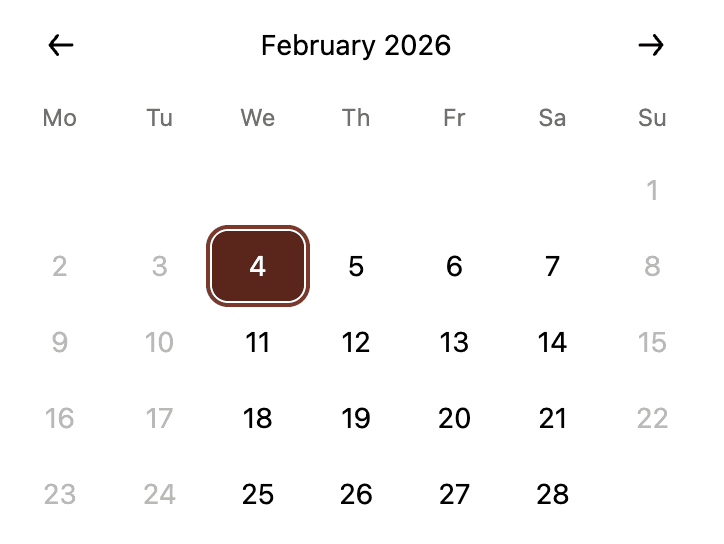
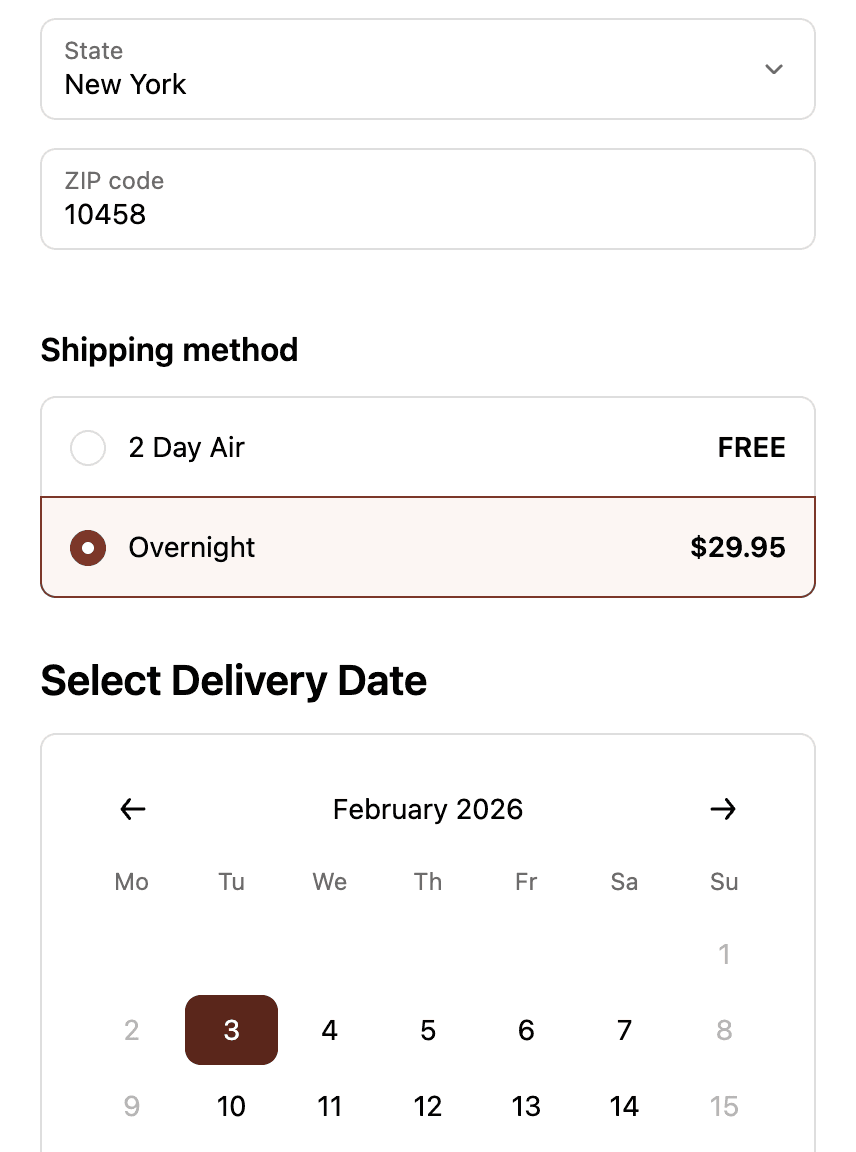
Staff click Edit delivery date on any order in Shopify admin. The date picker opens showing available dates based on the order's shipping zone, method and current delivery rules. Select a date and everything updates automatically - no manual tag editing, no order note changes.
When assigning a delivery date to a phone or manual order, Flare calculates the correct date based on the order's shipping zone, shipping method and transit time rules - the same logic used at checkout. Staff select a date that is accurate for that customer's location and method without doing the calculation manually.
Tags, attributes and shipping calendar update automatically
The moment a date is assigned or changed, all order tags, attributes and metafields update to reflect the new date. The shipping calendar updates simultaneously - the order appears in the right place immediately without any manual refresh or re-sync.
Eliminate manual tag editing for staff
No more typing Deliver-2026-01-15 into order tag fields or updating order notes. One click on the date picker assigns the date in the correct format across every connected system automatically.
Phone orders, draft orders and orders placed outside your online store can all have delivery dates assigned post-purchase using the same rule-based logic as checkout. Consistent date accuracy across every order regardless of how it was placed.
Keep the shipping calendar accurate in real time
Every admin date change reflects in the shipping calendar instantly. Operations teams always see an accurate view of what is scheduled without needing to manually reconcile changes made in the order admin.
See Real Examples.
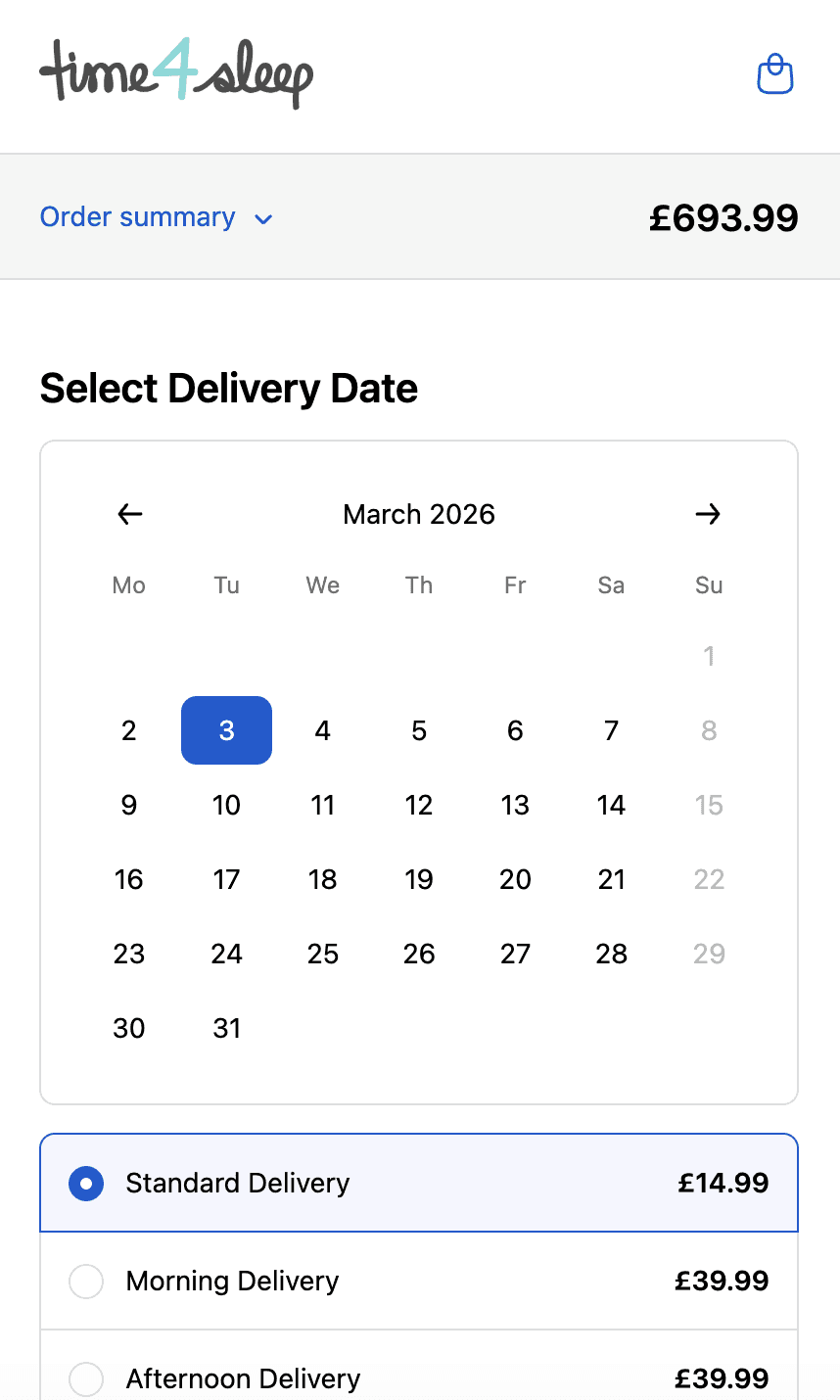
Time4sleep
Cut-off times, postcode rules, product lead times and shipping rates by date.
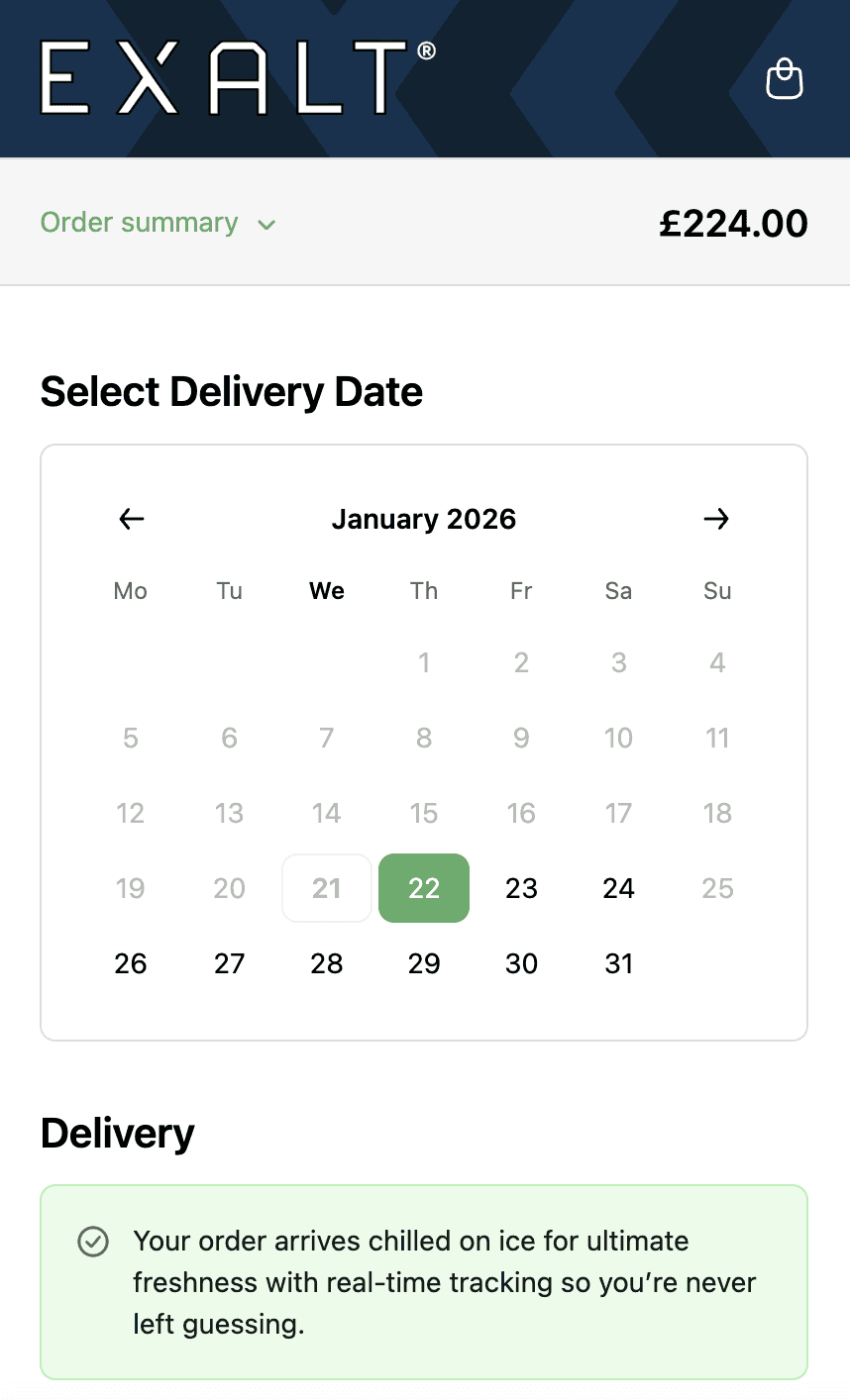
EXALT.
Cut-off times, subscription recurring order logic and Express Payment option compatibility.
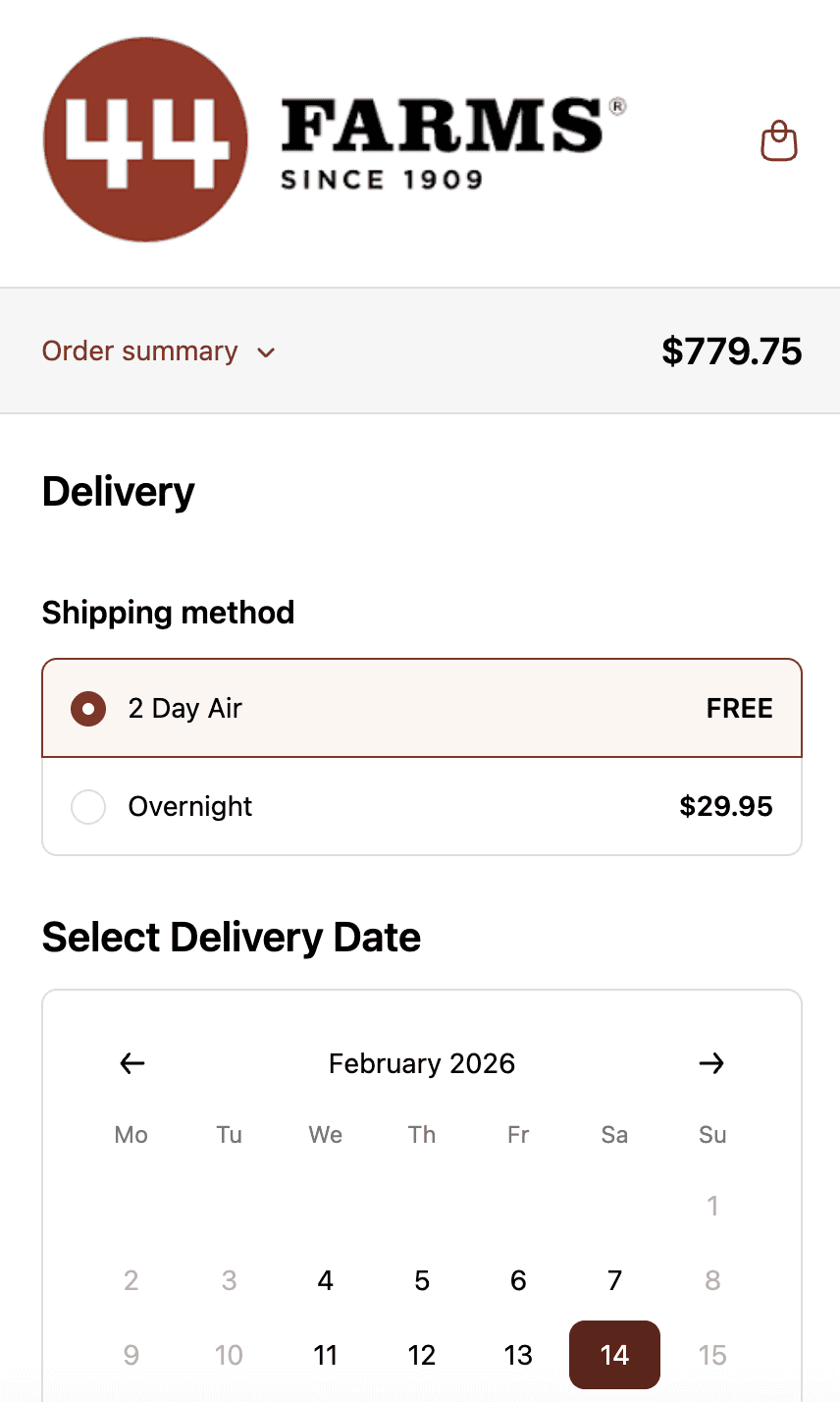
44 Farms.
Shipping methods and transit days by zip code, available dates by shipping method and shipping rates.
Who This is For.
Used by 700+ Shopify brands across categories like:



How to Setup.
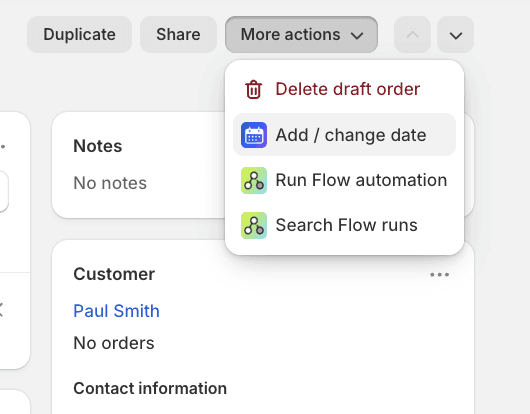
Admin order edit screen showing delivery date management with validation rules.
See Related Features
How is this different from manually editing Shopify order tags?
Can I add delivery dates to phone or manual orders?
Do admin date changes override delivery rules?
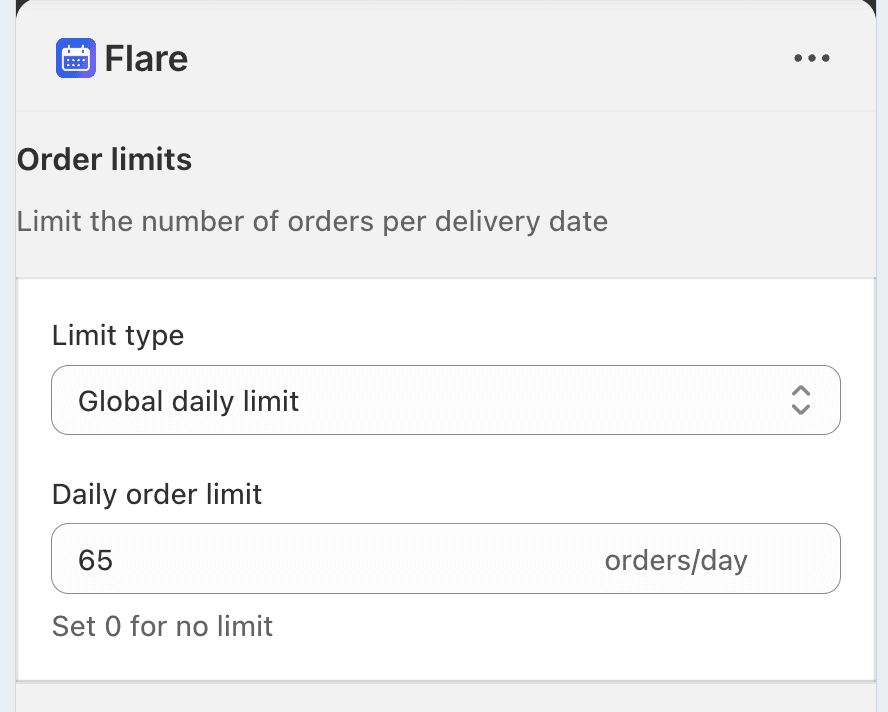
Does changing a delivery date in admin affect capacity limits?