
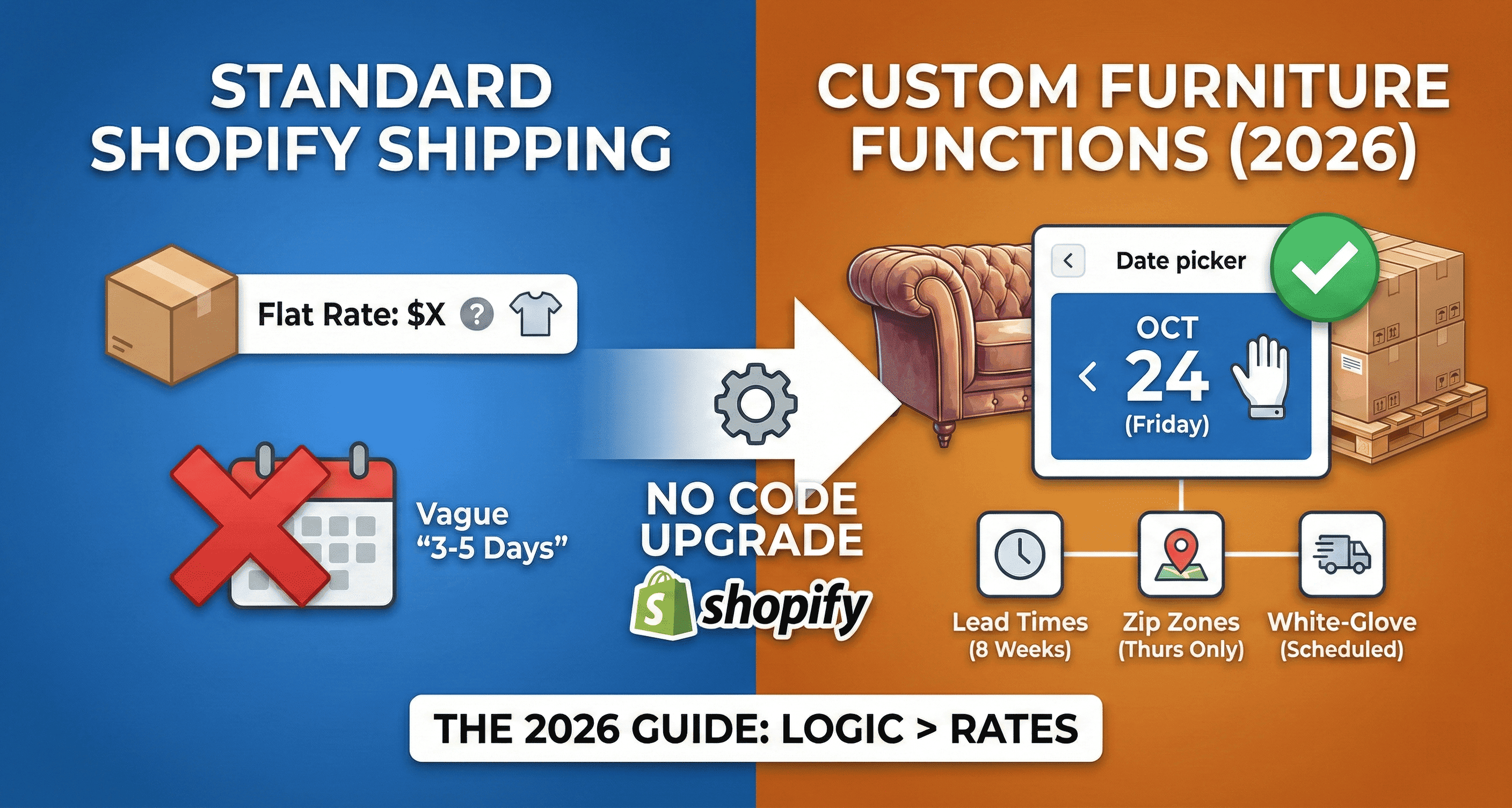
Customizing Shopify Shipping Functions for Furniture: The 2026 Guide (No Code Required)
If you are in charge of operations for a furniture brand, "standard shipping" is a myth. You do not ship boxes; you ship pallets, made-to-order sofas, and fragile glass tables.
The default Shopify shipping profiles are designed for t-shirts. They calculate rates based on weight, but they fail at shipping logic. They cannot tell the difference between an "In-Stock Lamp" (ships tomorrow) and a "Custom Velvet Sofa" (ships in 8 weeks).
This guide covers how to customize Shopify Shipping Functions to handle the three pillars of furniture logistics: Lead Times, Zip Code Zones, and White-Glove Scheduling, without writing a single line of code.
The Core Problem: Rates vs. Functions
Most merchants spend weeks configuring Shipping Rates (how much it costs). But for furniture, the friction is not price, it is timing and logic.
The "Mixed Cart" Nightmare: A customer buys a bed (4-week lead time) and a pillow (in-stock). Default Shopify splits them or promises the wrong date.
The "Rural Route" Issue: Your white-glove carrier only drives to the Highlands on Thursdays. Default Shopify offers "Next Day Delivery" anyway.
The "Check Measure" Gap: You need customers to confirm door width before checkout.
To solve this, we need to customize Shopify's Delivery Functions. You have two ways to do this:
The Hard Way: Write custom Rust/JavaScript code using the delivery-customization API.
The Easy Way: Use Flare as your no-code interface for these functions.
Step 1: Customizing Lead Time Logic (The "Production" Function)
The biggest cause of support tickets in furniture is the "Where is my order?" email. This happens when a customer ignores the "Ships in 8 weeks" text on the product page and expects Amazon-prime speed.
We need a function that blocks the calendar based on exact product attributes and inventory status.
How to set it up in Flare:
Choose Your Rule Trigger: Flare is highly flexible. You can configure product rules using variant metafields (e.g., creating a metafield key like lead_time), product tags, specific collections, or even at the SKU level. Flare automatically reads these identifiers.
Set Inventory-Based Logic: Furniture inventory fluctuates constantly. Flare allows you to assign different lead times based on whether a product is in stock or out of stock. For example, a dining chair might have a 2-day lead time when inventory is positive, but the calendar automatically shifts to a 56-day lead time the moment it goes out of stock.
Define Rolling Values or Fixed Dates: You can configure availability using standard rolling lead time values (e.g., always blocking the next 56 days) or by setting fixed dates. Fixed dates are perfect for pre-orders or shipping container arrivals. You can set a rule dictating that the earliest available delivery date for a specific SKU is exactly 25/05/2026, regardless of when the customer places the order.
Configure the Cart Logic: Set your rule to "Apply to Cart". This ensures if a cart has one slow item and one fast item, the entire delivery date is pushed back to match the slowest item.
The Result: When the customer reaches checkout, the calendar is already accurately restricted based on your exact stock levels and production timelines. They literally cannot book an invalid date.
Step 2: Customizing Delivery Zones (The "Routing" Function)
White-glove carriers do not operate like FedEx. They have specific routes.
Zone A (Metro): Mon-Fri delivery.
Zone B (Suburbs): Mon, Wed, Fri only.
Zone C (Rural): Thursday only.
Default Shopify Profiles can charge more for Zone C, but they cannot block Tuesday for Zone C.
How to set it up:
Define Zones: Upload your carrier’s CSV of zip/postcodes into Flare. Group them into "Metro", "Suburbs", and "Rural."
Set Availability:
Metro: Check Mon, Tue, Wed, Thu, Fri.
Rural: Check Thursday ONLY.
The "Function" Logic: Flare listens to the shipping address entered at checkout. It effectively "hides" invalid days from the date picker before the customer sees them.
Step 3: Customizing the Checkout UI (The "Display" Function)
For Shopify Plus merchants, the "Function" is not just logic, it is the UI itself. You want the delivery date to feel like a premium part of the white-glove experience, not a popup.
How to set it up (Shopify Plus):
Open Checkout Editor: Go to Settings > Checkout > Customize.
Add App Block: Click "Add App Block" and select Flare Delivery Date Picker.
Positioning: Drag the block to the "Shipping Method" section. This is critical. It visually connects the date with the method (e.g., "White Glove Delivery ($150)").
Rename Methods: Use the delivery-customization logic to dynamically rename shipping rates based on the date.
Example: If the customer picks Saturday, the shipping method automatically renames to "Saturday White Glove (+$50)" and updates the price.
Case Study: Time4Sleep
Time4Sleep, a leading UK bed retailer, struggled with complex logic. They had products with different lead times (frames vs. mattresses) and strict delivery zones.
The Problem: Manual processes. Staff had to manually check orders and call customers to reschedule rural deliveries.
The Fix: They customized their shipping functions using Flare to automate variant lead times and postcode logic.
The Result: Saved 3+ hours per week in support time and reduced failed deliveries by blocking invalid dates upfront.
Frequently Asked Questions
Q: Can I set different lead times for different variants of the same product?
Yes. You have total control. If the "Red Velvet" fabric takes 12 weeks but "Grey" is in stock, you can manage this by assigning different metafield values, specific SKUs, or variant tags. Flare reads the specific variant in the cart and feeds that exact timing into the calendar.
Q: What happens if a customer buys a "Next Day" lamp and an "8-week" sofa?
You have two options in Flare:
Split Shipments: Allow the customer to pick two dates (requires advanced configuration).
Consolidate (Recommended): The logic defaults to the longest lead time to save you shipping costs. The customer sees the first available date as 8 weeks out.
Q: Does this work with "Local Pickup"?
Yes. You can configure a separate "Pickup" function that ignores white-glove zones and just checks your warehouse opening hours.